
1
Choose a pixel design
Browse free patterns or explore the full library with Pixel Pass.
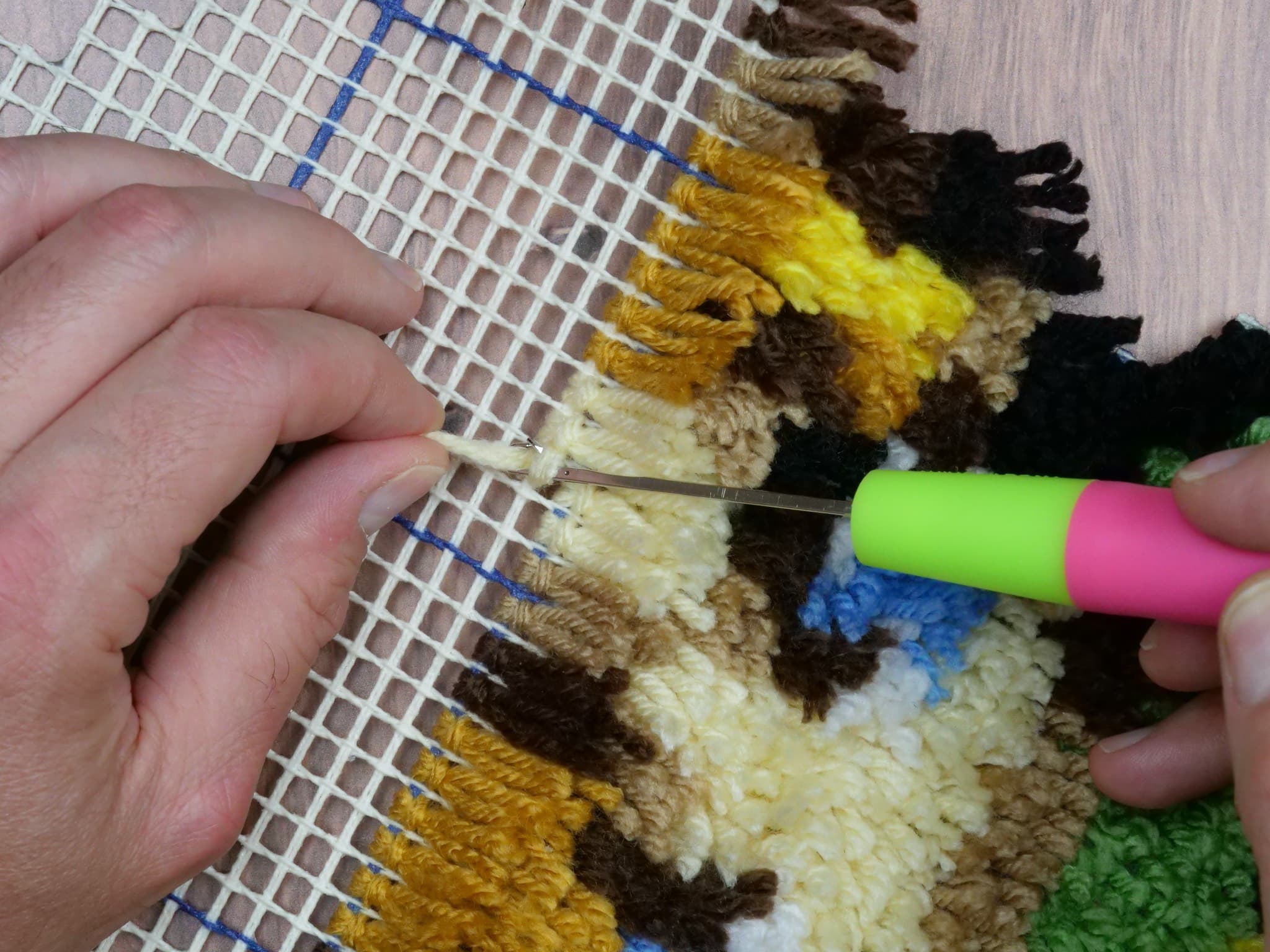

Turn one pixel design into plastic canvas, cross stitch, fuse beads, and more. Free to start, simple to follow, and easy to finish in an evening.
How it works
Browse free patterns or explore the full library with Pixel Pass.
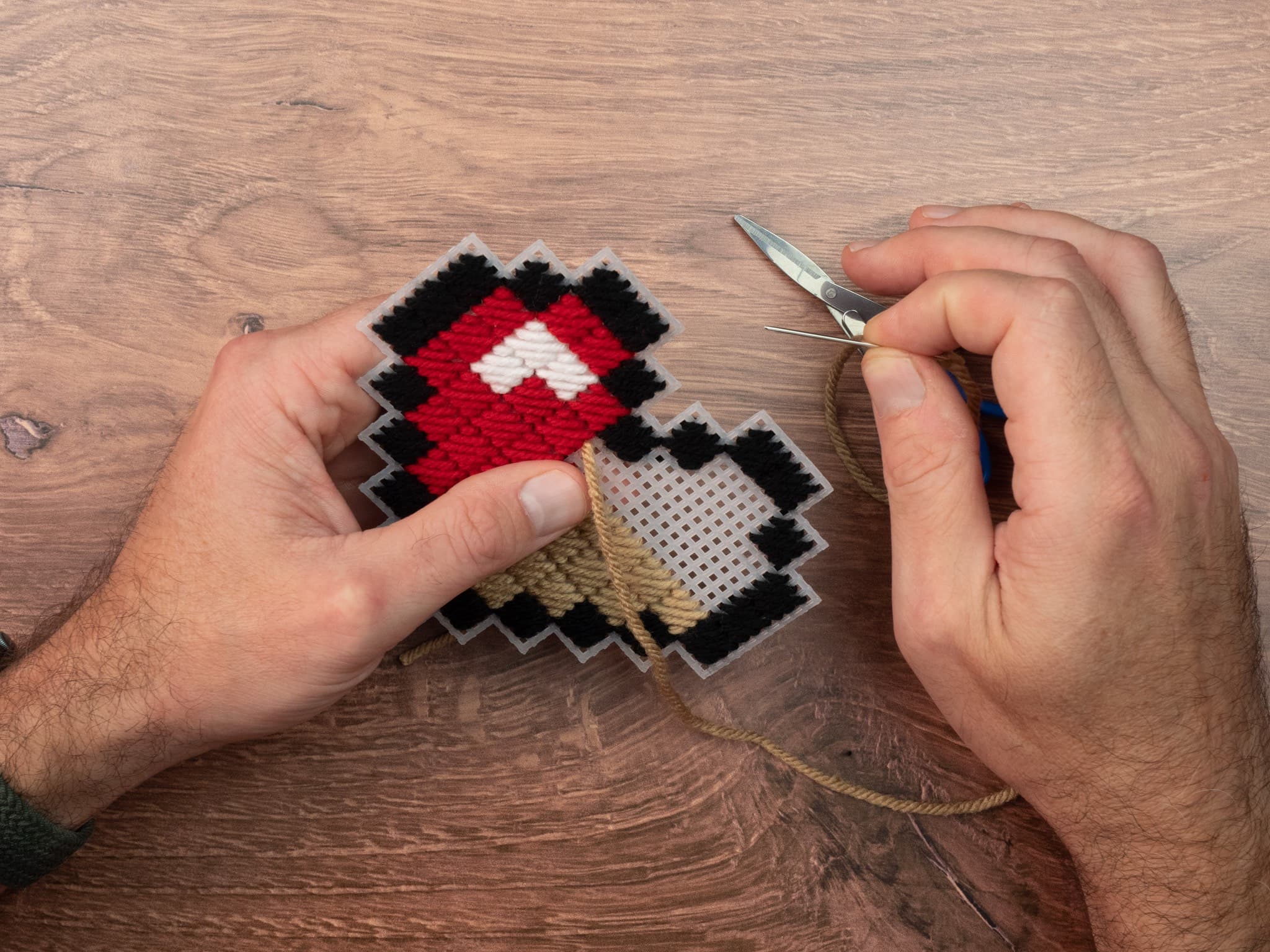
Use the same pixel-style design for supported crafts like plastic canvas, cross stitch, punch needle, mosaic, latch hook, painted blocks, fuse beads, diamond painting, and more.
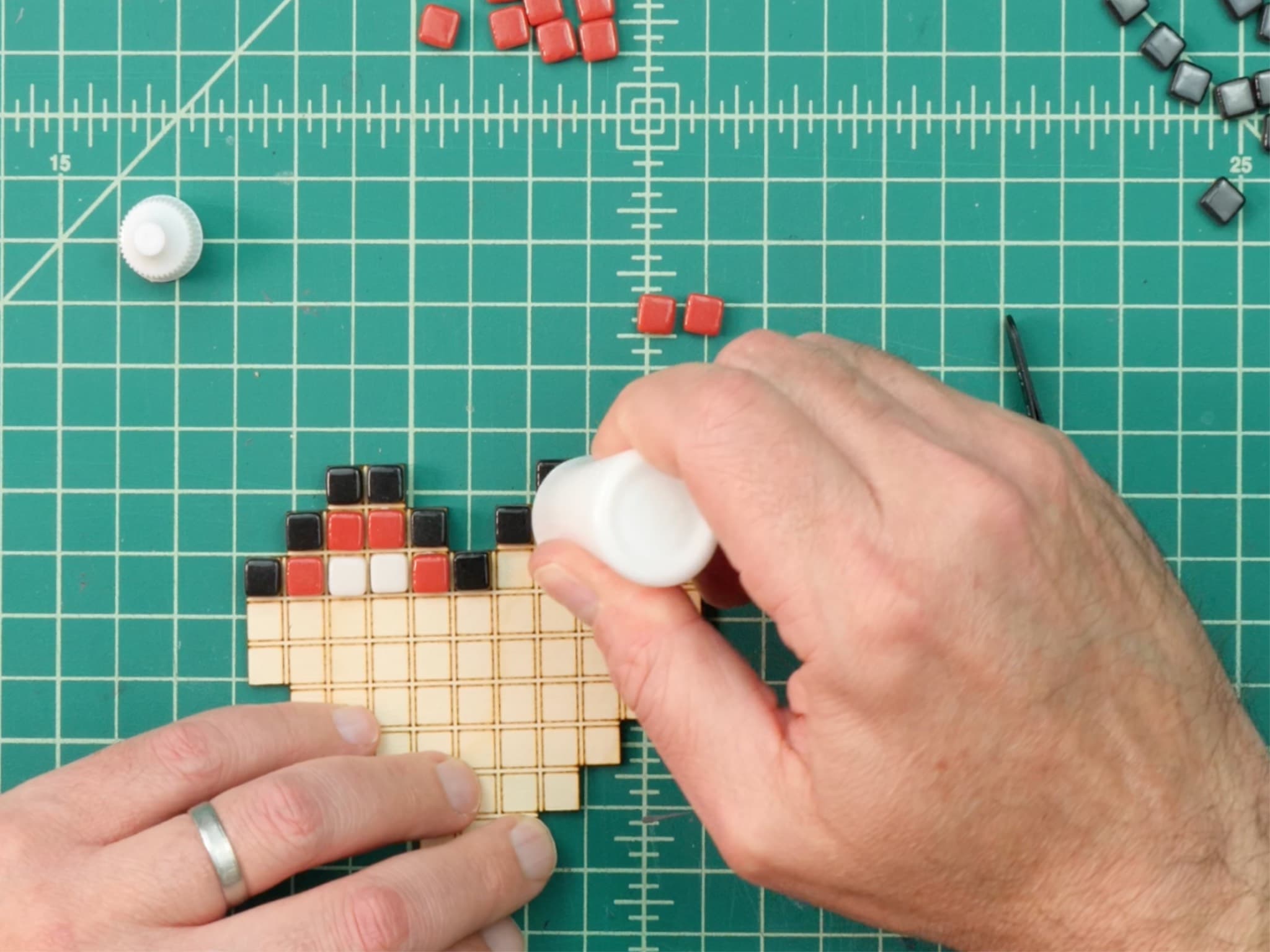
Open it in Pixel Peeper (our free online viewer) and check off squares as you go, or print the pattern to craft away from a screen. Stop and resume any time.
Pattern Library
More than half of our patterns are free. Start with a few picks below, or select Browse All Patterns to see the full library.
Pixel Pass
Stop checking which patterns are premium. Pixel Pass gets you every pattern now, plus every new premium pattern we add during your subscription. You also get printable downloads and recoloring tools for supported patterns. Pixel Pass is 12 months for $19.99.
Go beyond the free patterns and browse the full pattern collection.
Download patterns so you can print them, save them, or use them away from the screen.
Recolor supported patterns with your own materials and color choices so the design fits the project you want to make.
How it works
Every pattern is a simple grid of colored squares. Because it's just a grid, the same design works for many relaxing crafts, so you can pick the one that suits your supplies, your budget, and how much time you want to spend. Make any design as plastic canvas, cross stitch, punch needle, mosaic, latch hook, painted blocks, fuse beads, or diamond painting.
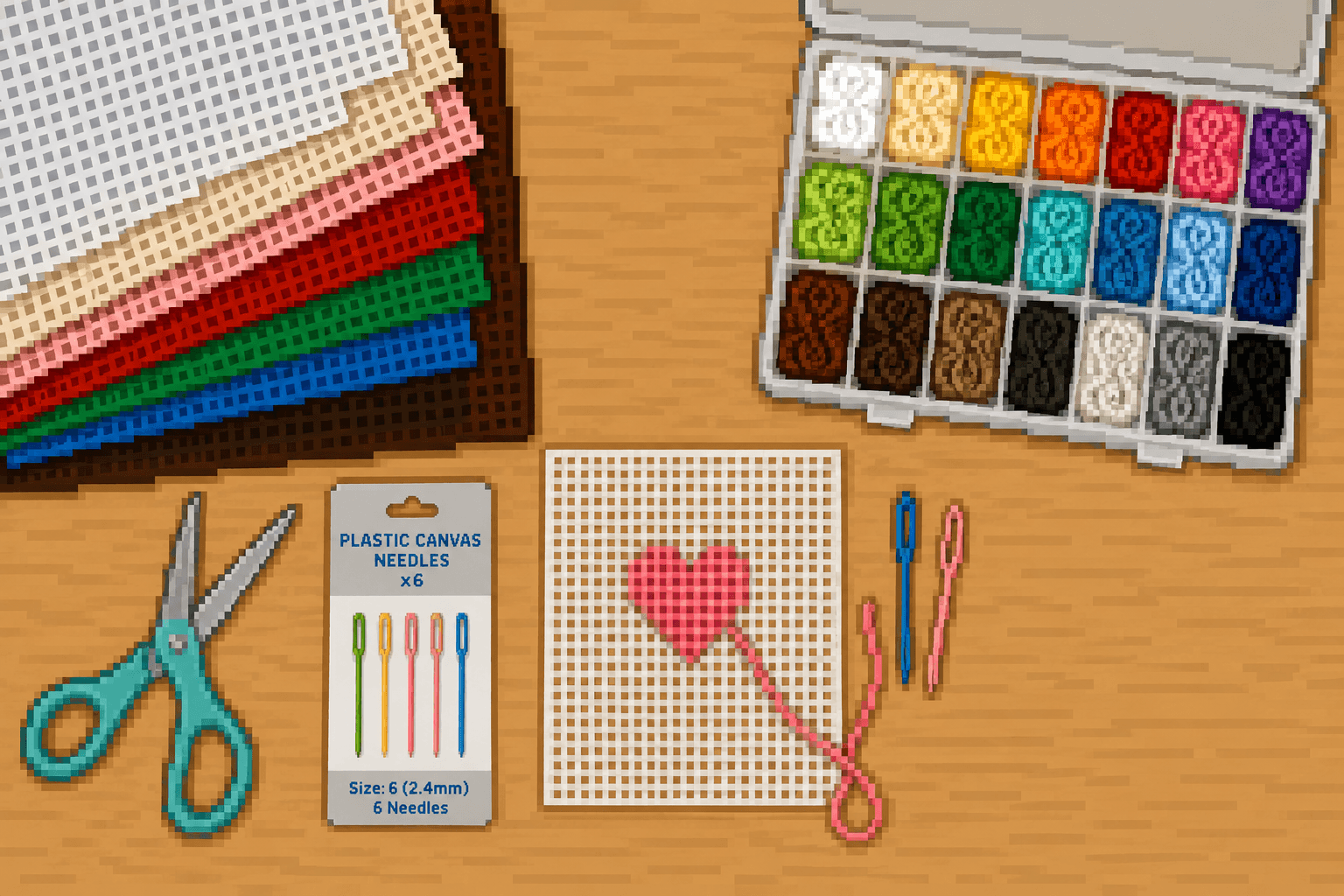
Tell us what you already own, and we'll surface patterns you can start right now. No extra shopping trip required.
Follow the design online, download printable patterns, or use craft-specific color information when available.
Pixel Peeper is our free online viewer. Zoom in, tap off each square as you finish it, and pick the project back up whenever you like. Great for relaxing in short sessions.
Craft guides
New to all of this? Each guide walks you through the tools, the basic steps, and what it costs to get started. Then it sends you to a matching pattern.
Stitched grid designs
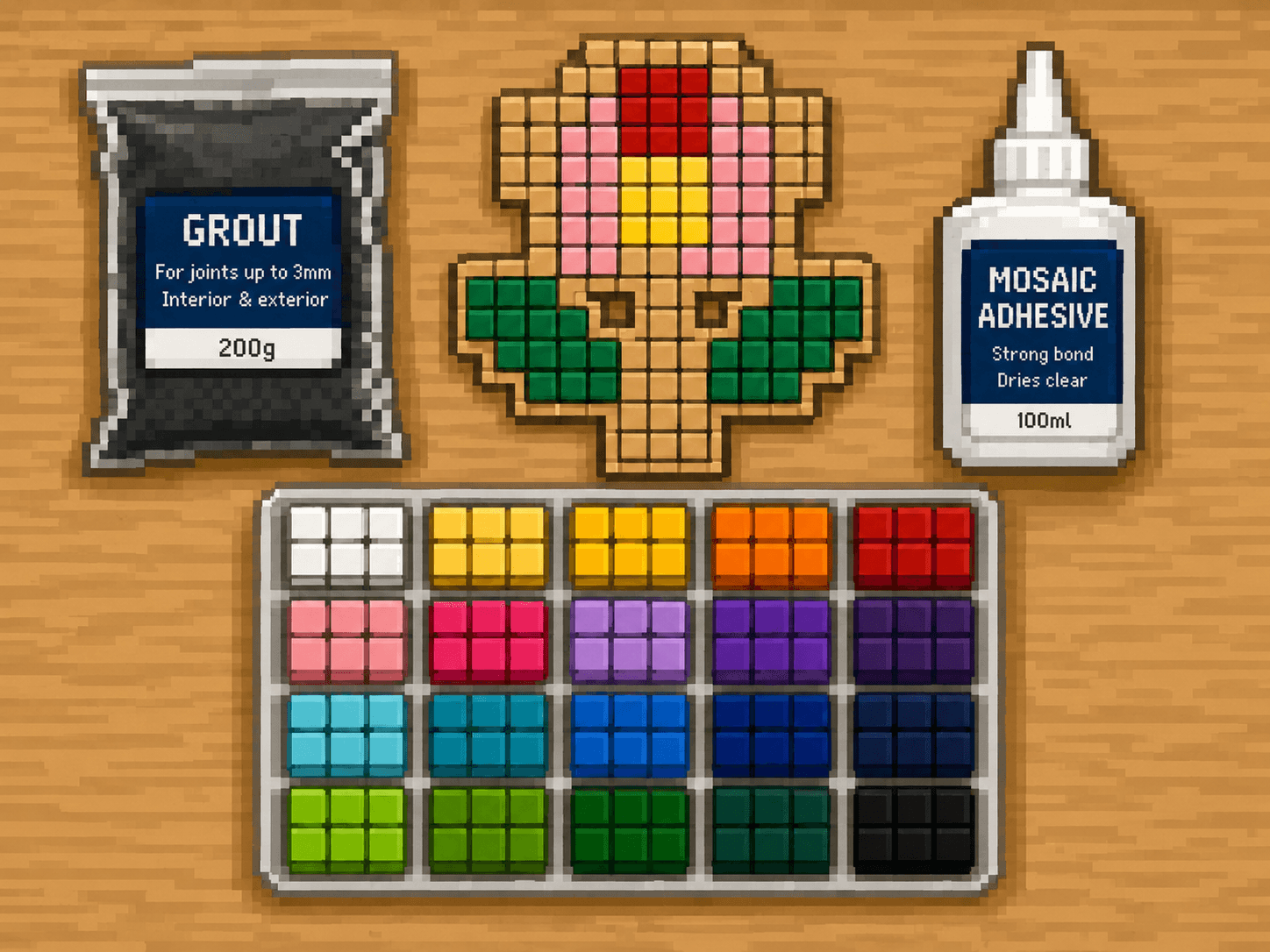
Tile-by-tile color work
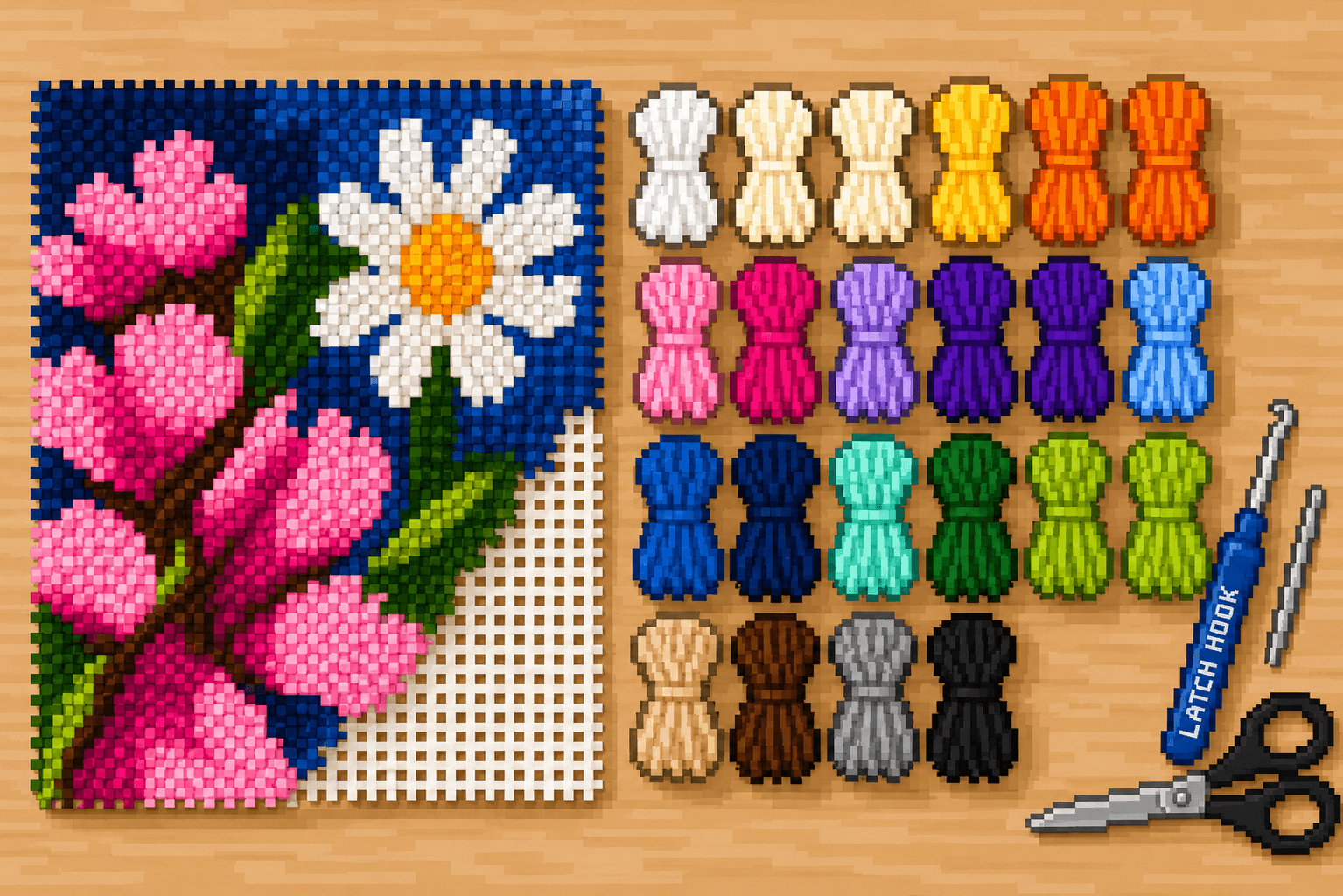
Plush yarn texture
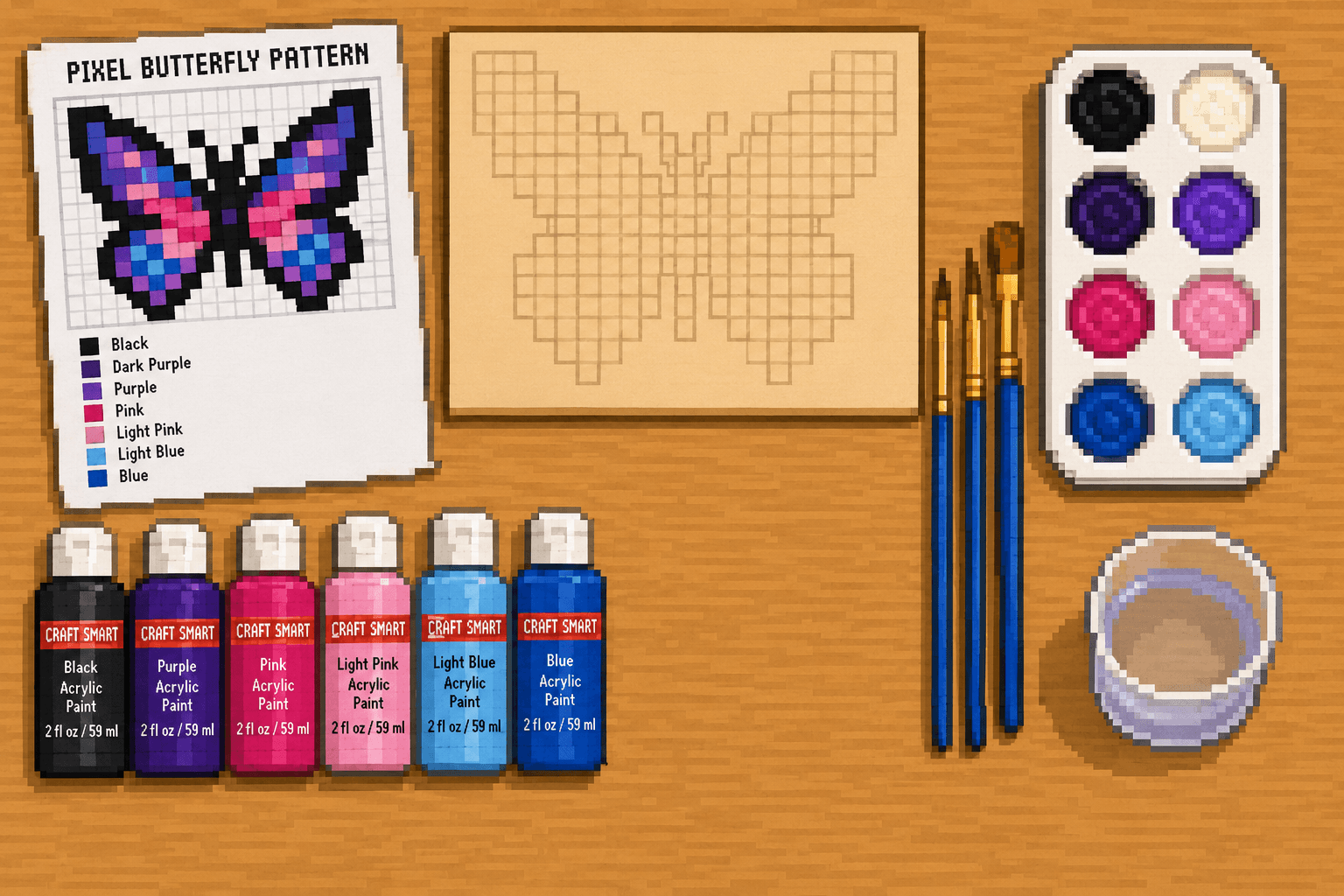
Painted square patterns
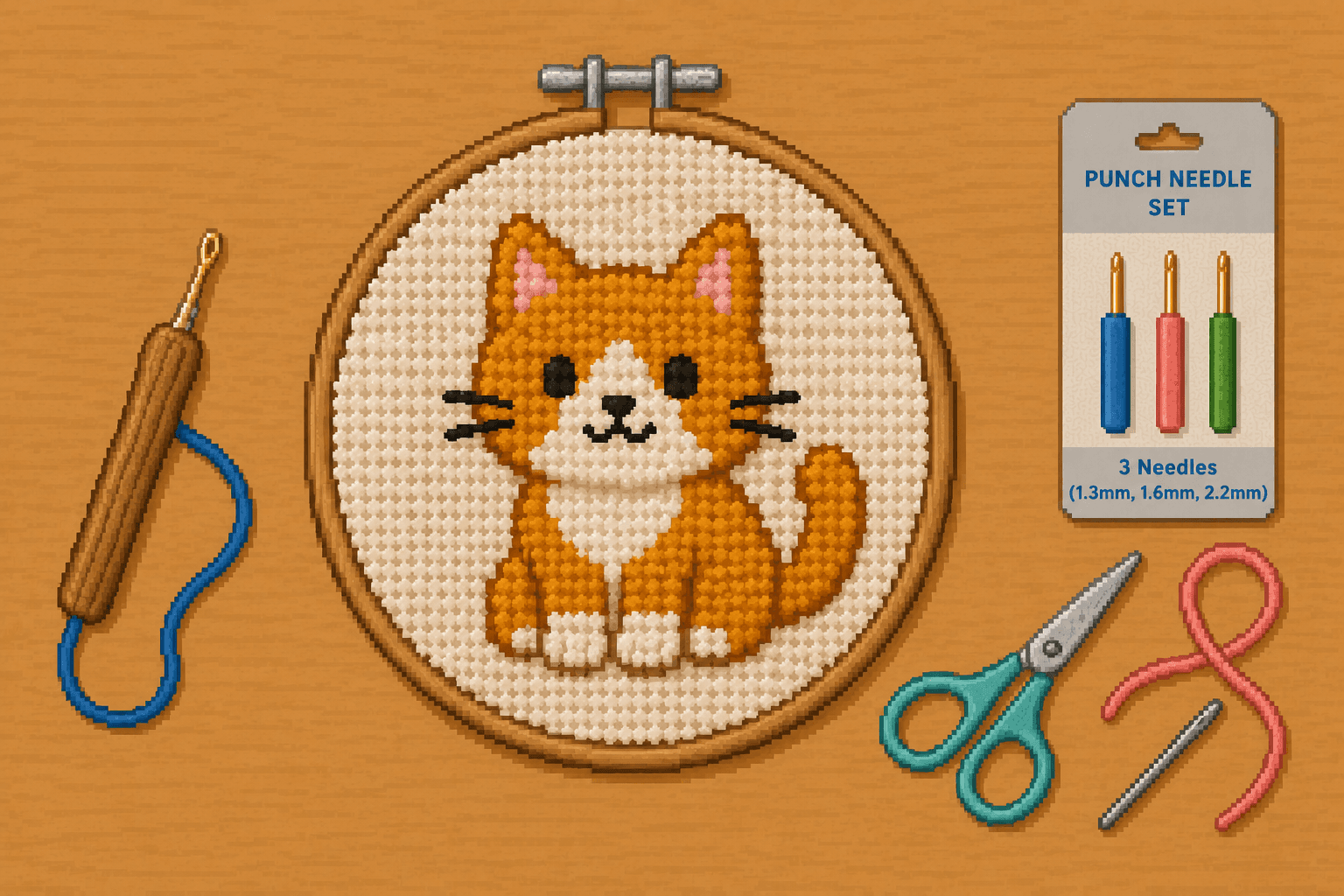
Punch Needle Patterns
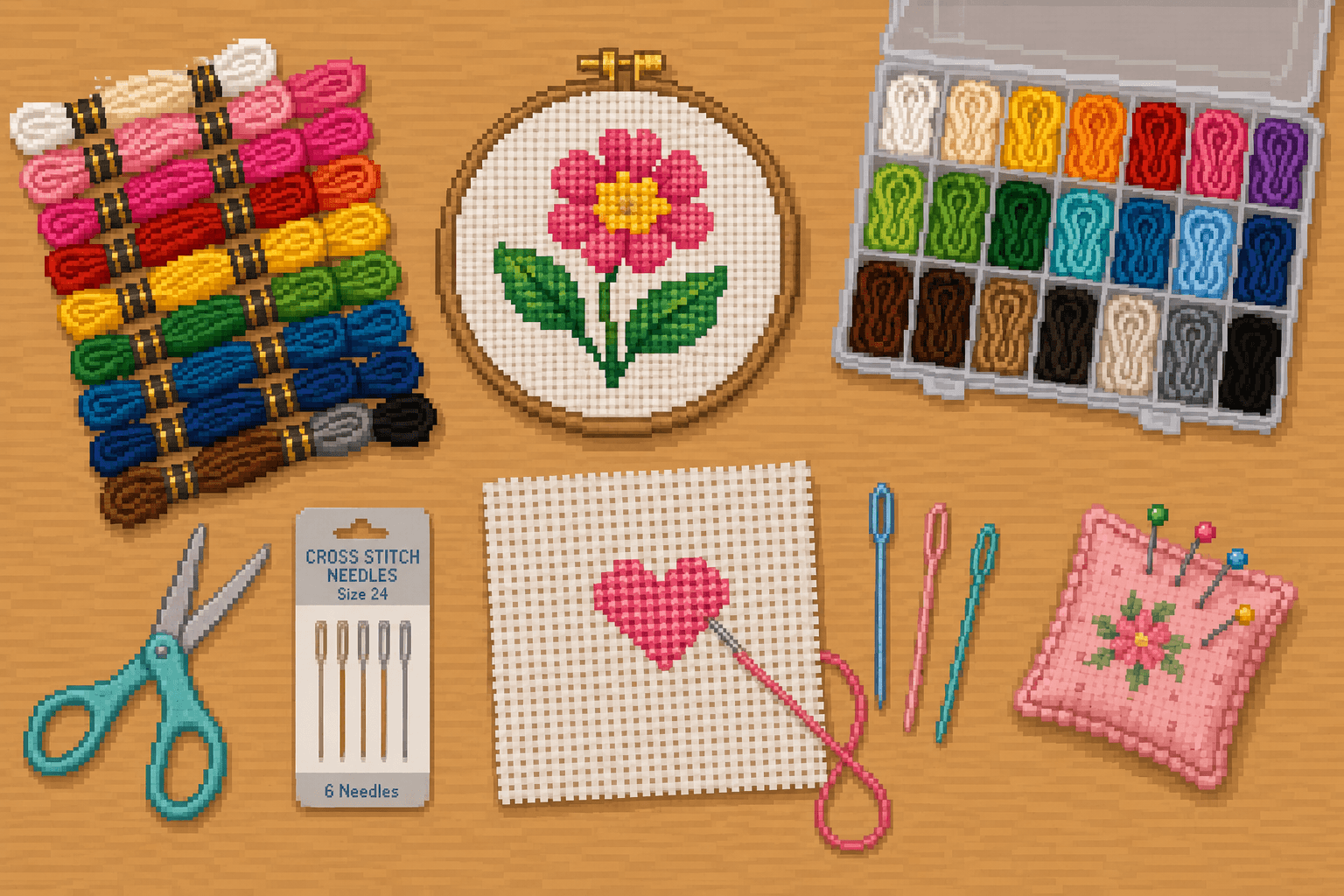
Cross Stitch Patterns
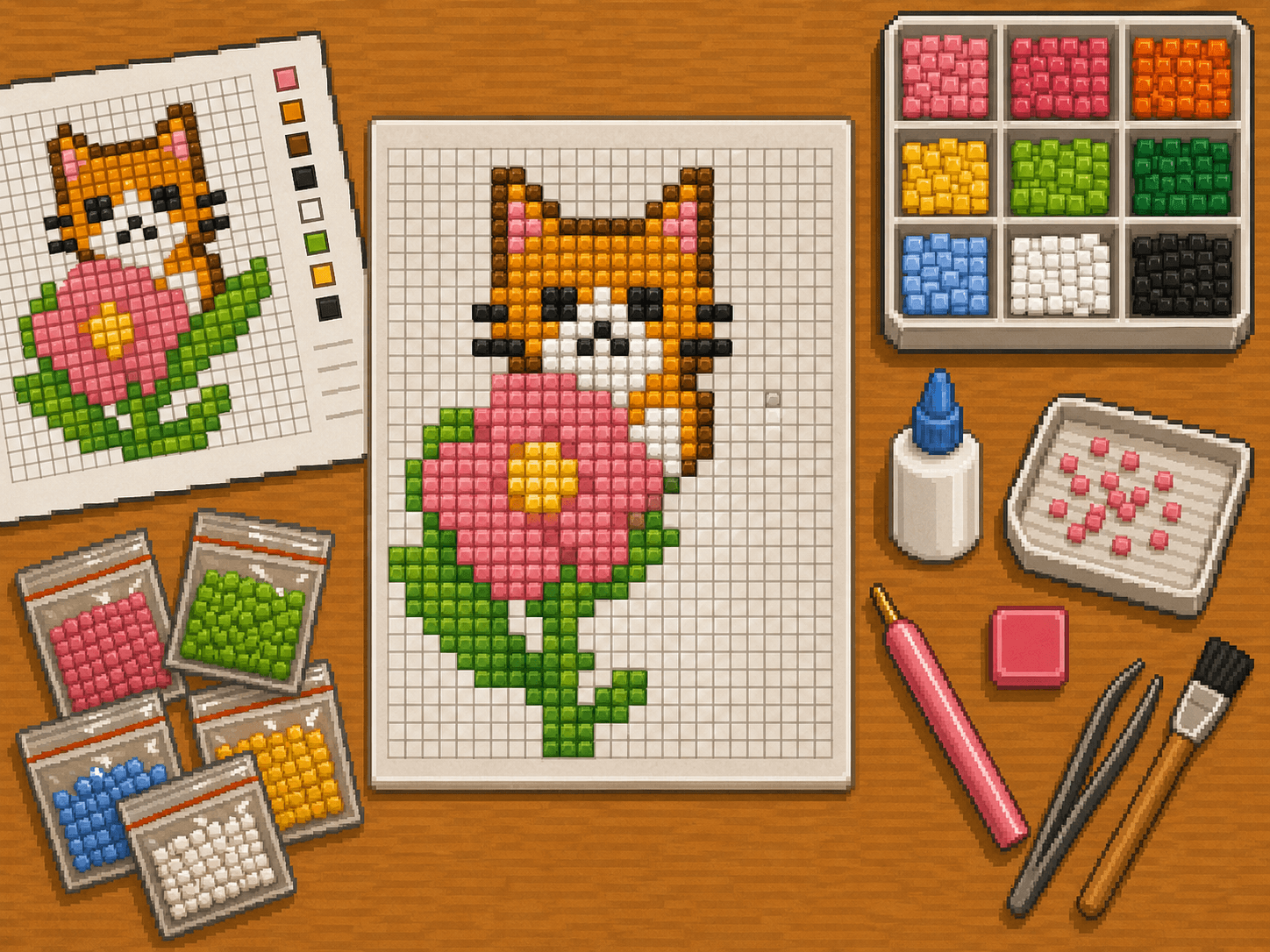
Adhesive drill patterns
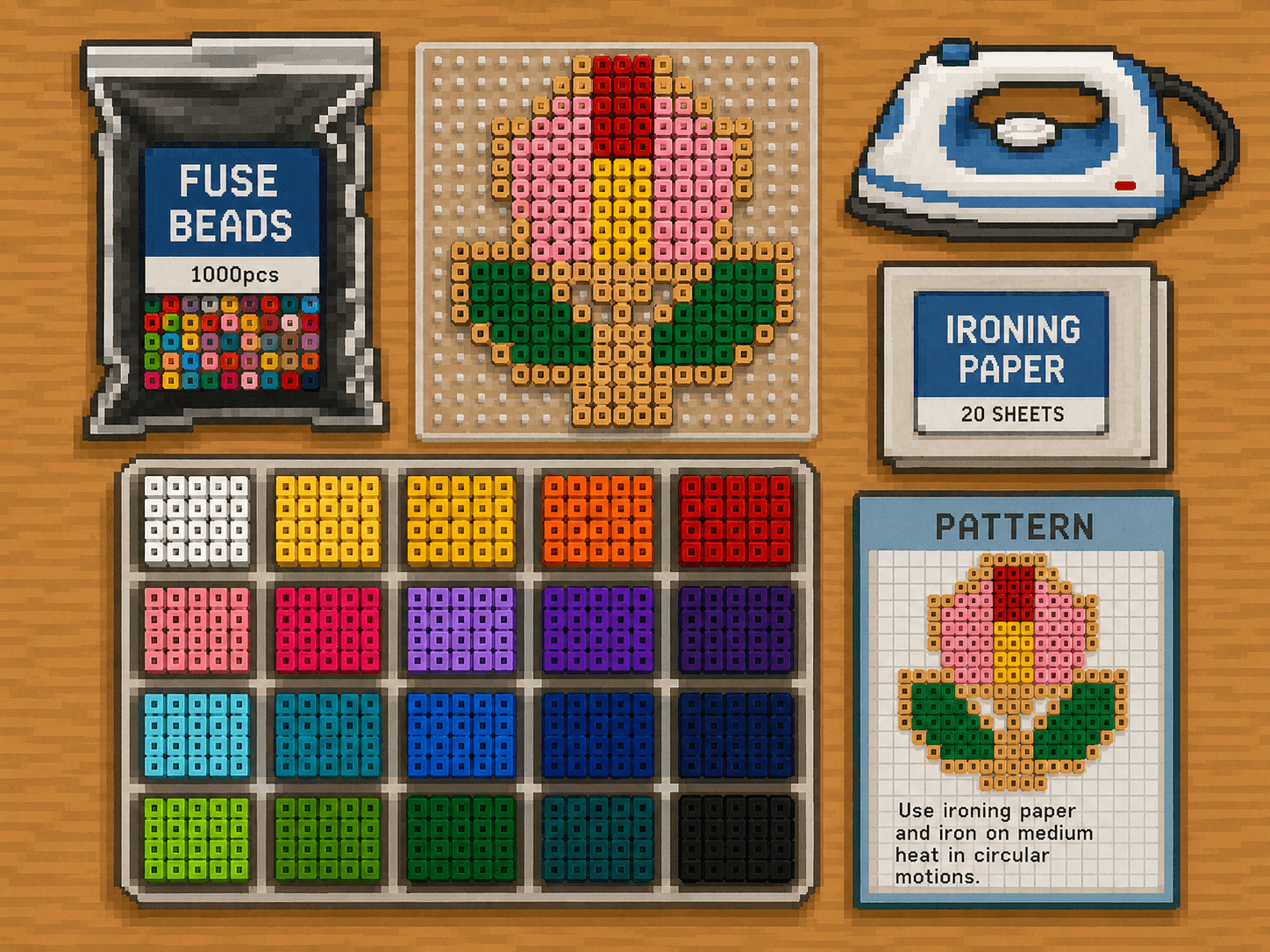
Fuse Bead Patterns
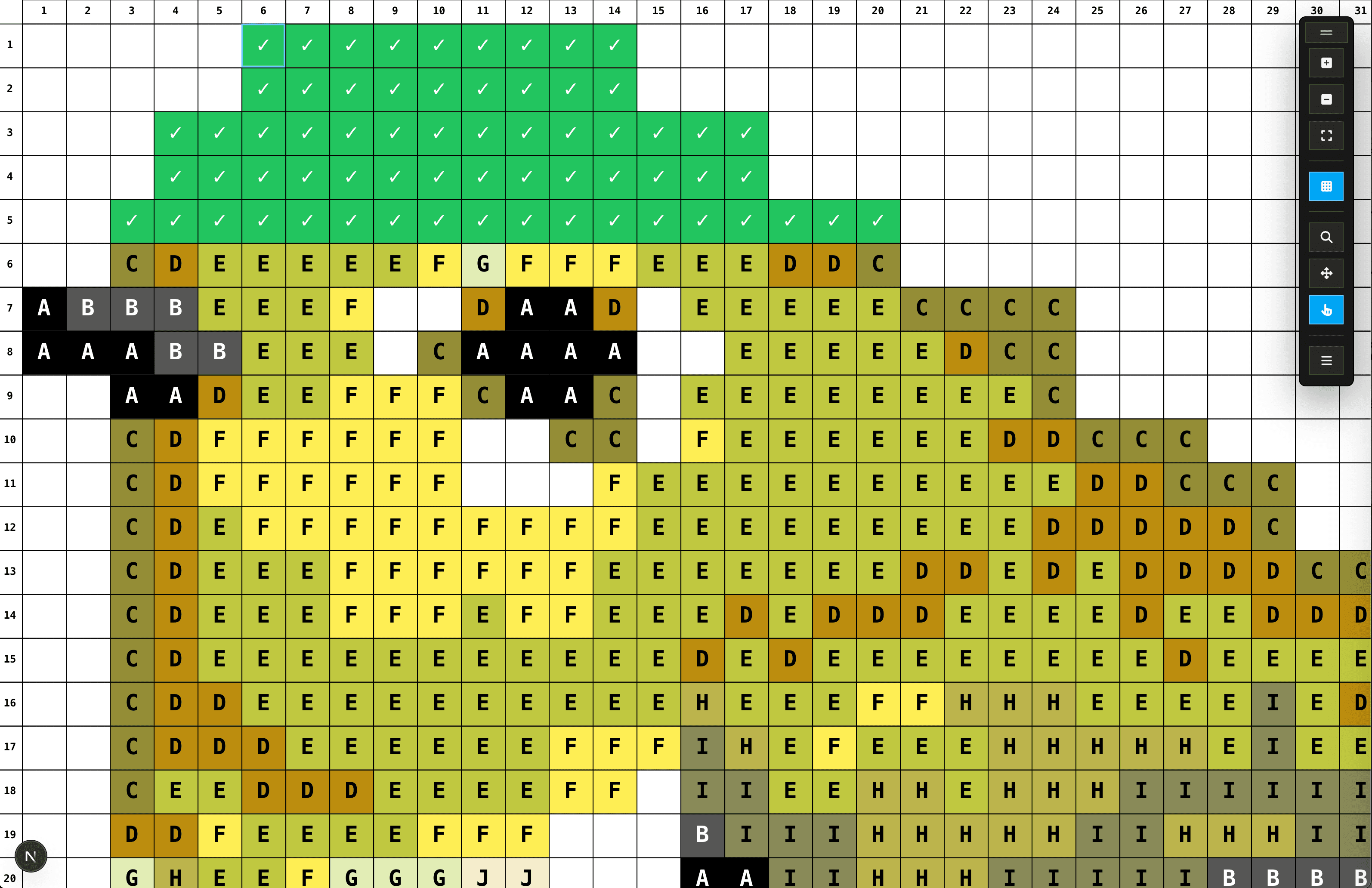
Pixel Peeper
Pixel Peeper is our free online pattern viewer made for hands-on crafting. Zoom into the grid, tap off each square as you finish it, and see the colors and symbols for your chosen craft as you work. No printing required.
Pick a free pattern, choose a craft, and start today. Most patterns are small enough to finish in an evening. Unlock the full library with Pixel Pass whenever you want more.