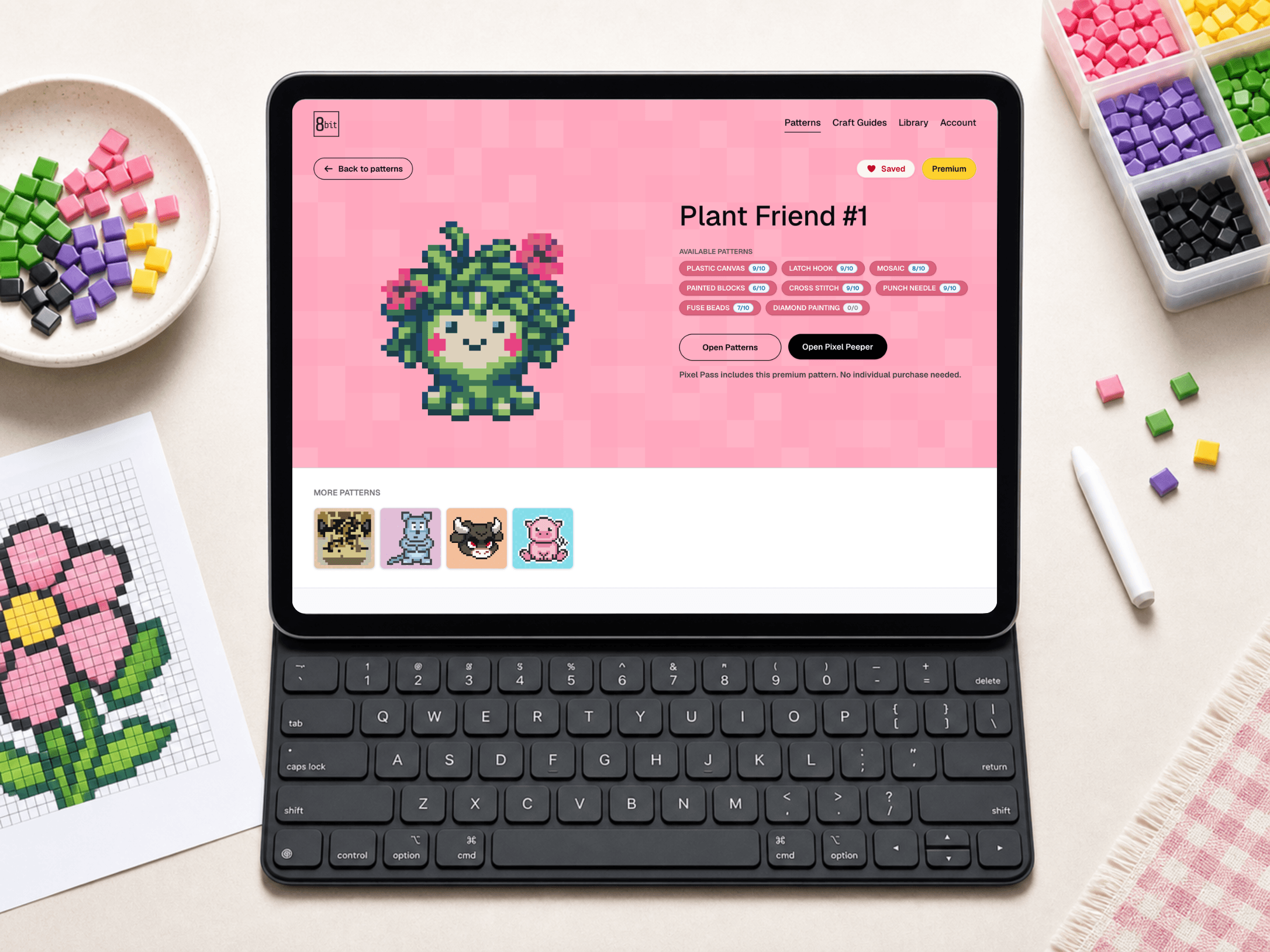
Online pattern tracking
Pixel Peeper
Open an 8bit Craft pattern online, zoom into the grid, switch the pattern to the craft you are making, filter by color, and check off finished squares so you can keep your place while you work.

Choose a guide
Pick a guide and learn the tools, setup, and first technique for turning an 8bit pattern into a finished project.
Online pattern tracking
Open an 8bit Craft pattern online, zoom into the grid, switch the pattern to the craft you are making, filter by color, and check off finished squares so you can keep your place while you work.
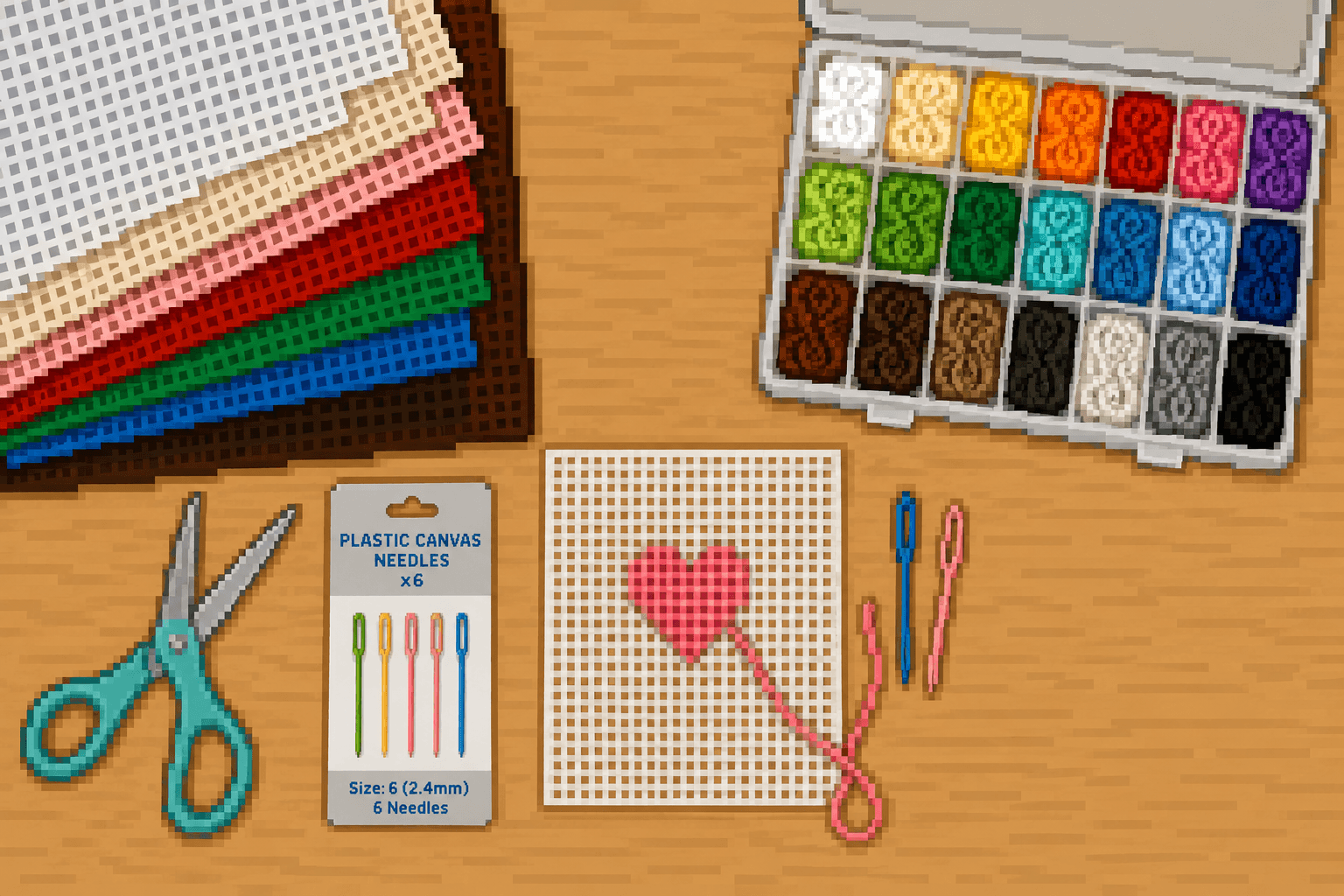
Stitched grid designs
Turn a gridded color chart into a stitched pixel-style design. Plastic canvas is a flexible craft material with evenly spaced holes, so each square of the pattern can be stitched in the right color. This guide teaches the core skills: threading a needle, filling color blocks with Scotch stitches, starting and ending yarn cleanly, and finishing the outside edge.
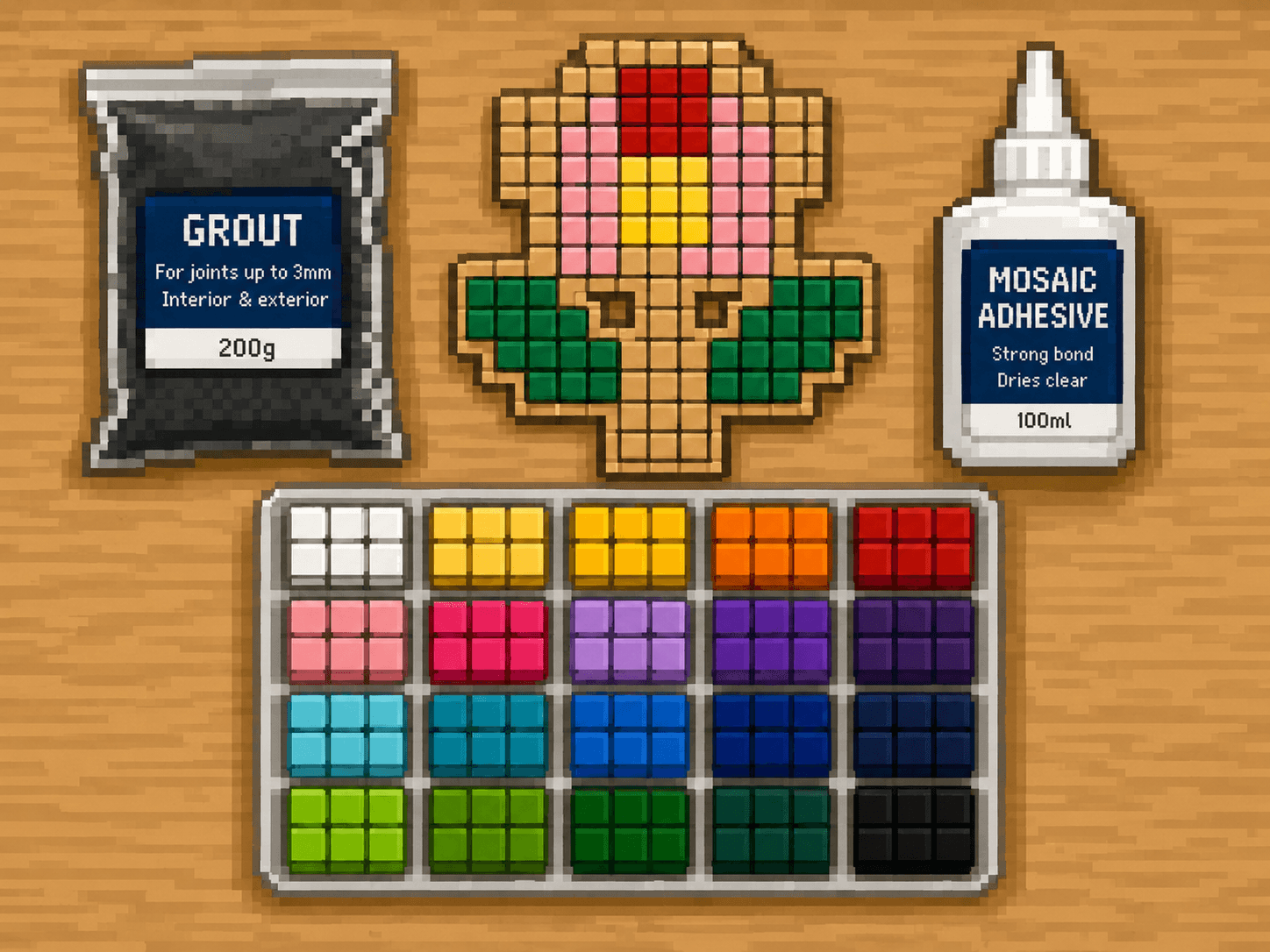
Tile-by-tile color work
Turn a gridded color chart into tile-by-tile artwork. Mosaic patterns use small tiles placed on a backing board to build a colorful pixel-style design. Each square on the color chart tells you which tile color to place.
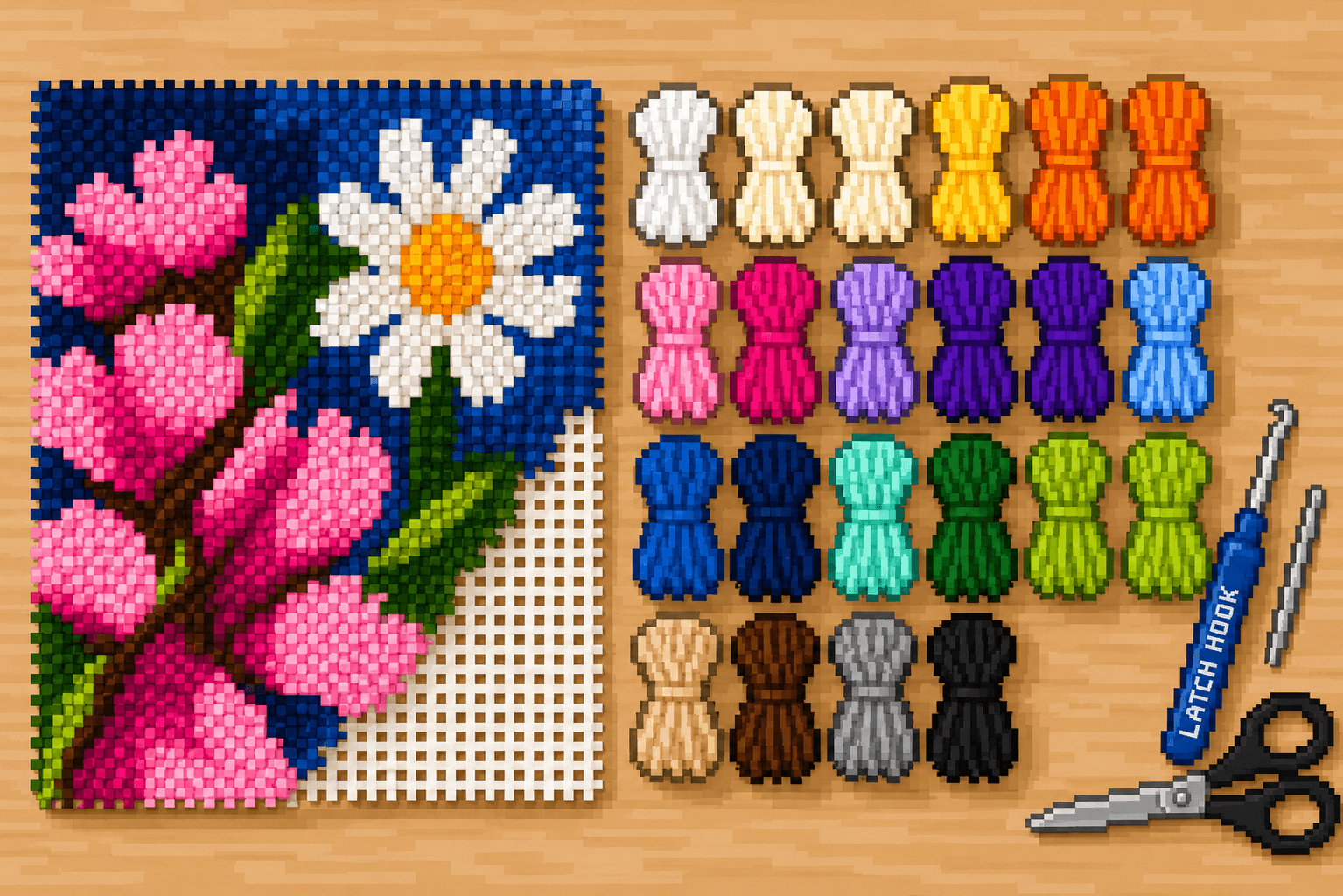
Plush yarn texture
Turn a gridded pattern into a soft, plush yarn design. Latch hook uses short pieces of yarn and a latch hook tool to make knots on a grid-like canvas. Each square on the chart tells you which yarn color to place on the canvas.
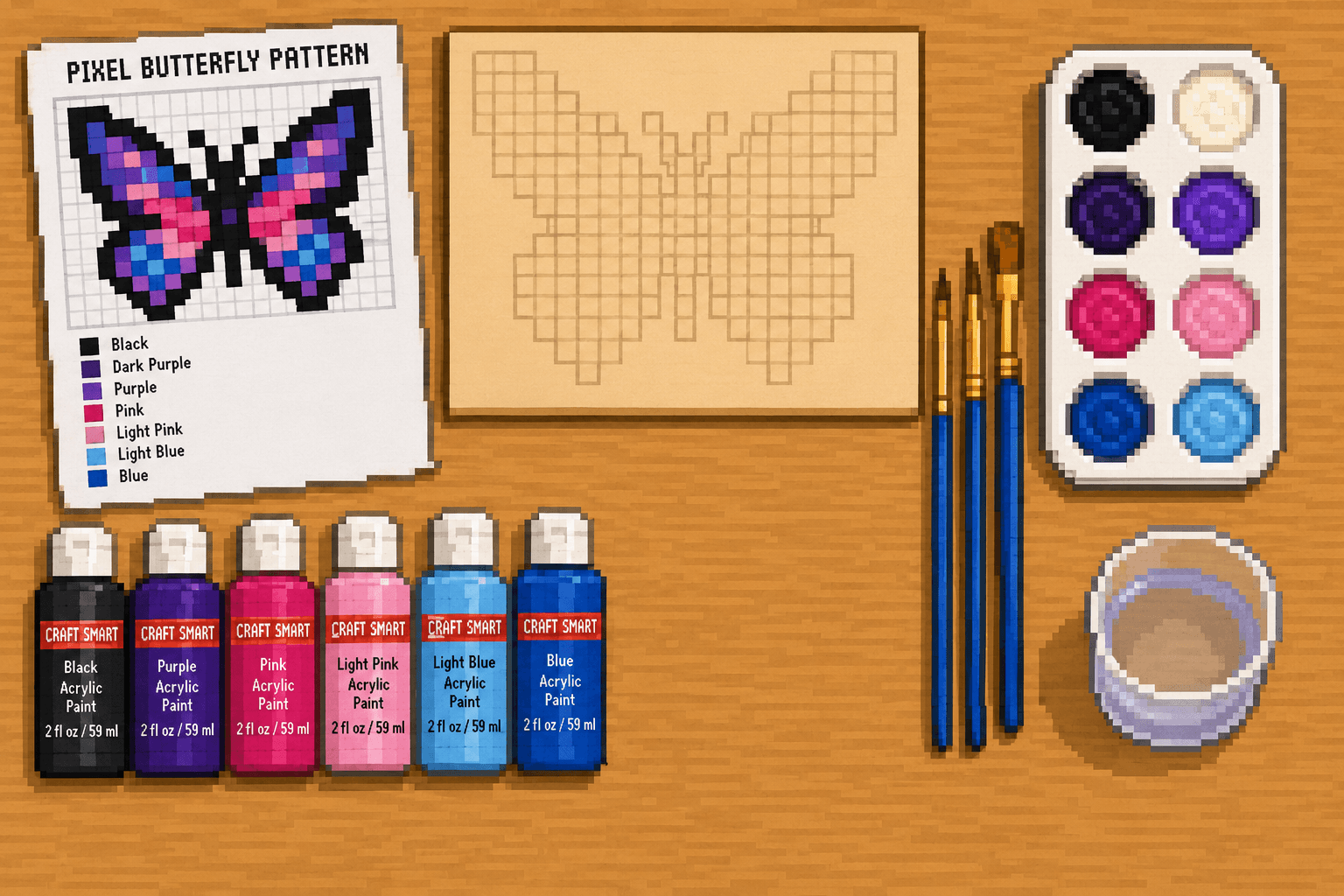
Painted square patterns
Turn a gridded color chart into clean, colorful square art. Paint Blocks use the same pixel-style patterns as our other crafts, but instead of stitching, placing beads, or cutting tiles, you paint each marked square onto a flat surface.
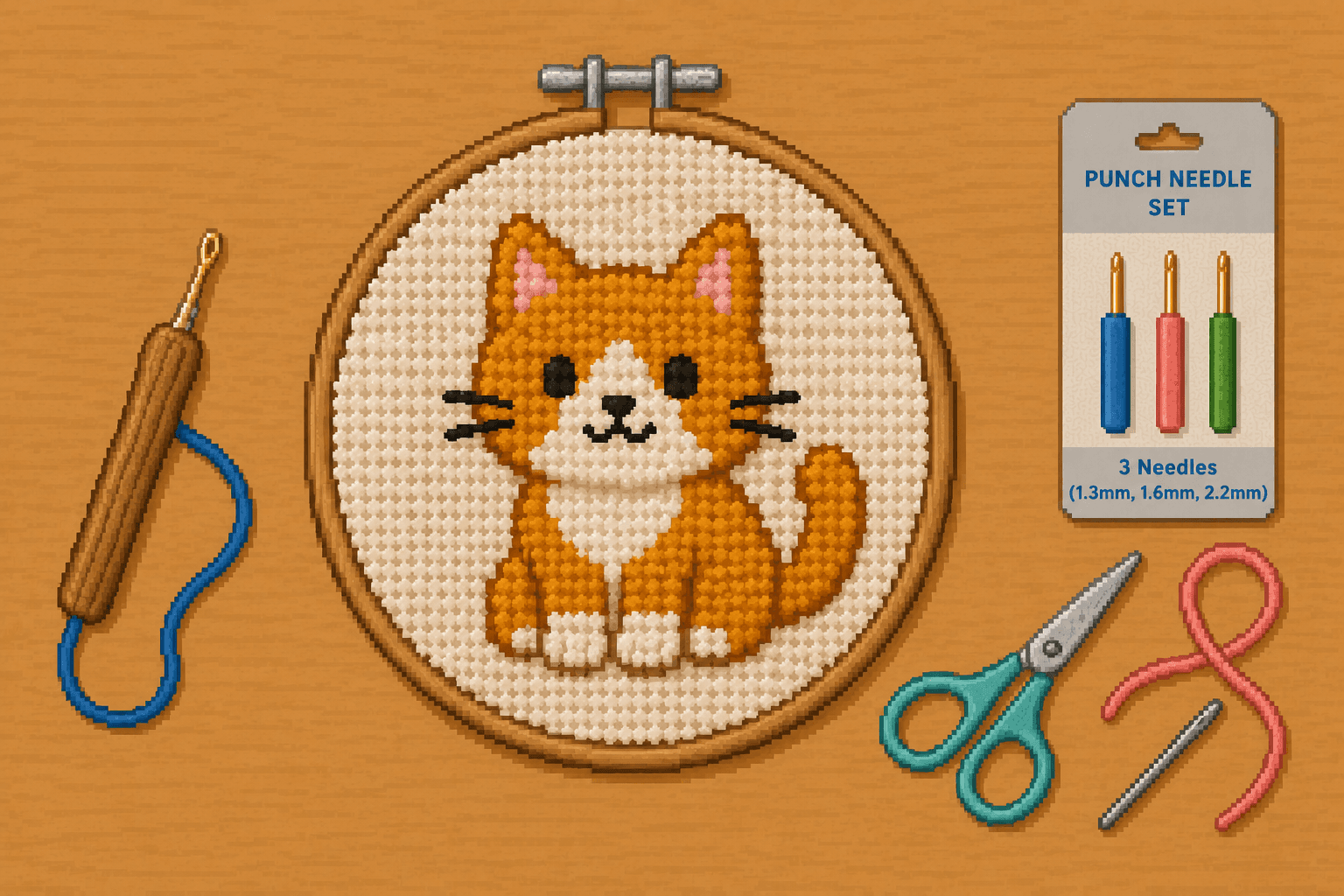
Punch Needle Patterns
New to punch needle? This guide shows you how to turn an 8bit Crafts pixel pattern into a textured looped-fiber project using punch needle fabric, yarn or floss, and a punch needle tool. You'll learn how to choose compatible materials, set up tight fabric, transfer a simple design, punch even loops, and finish your project.
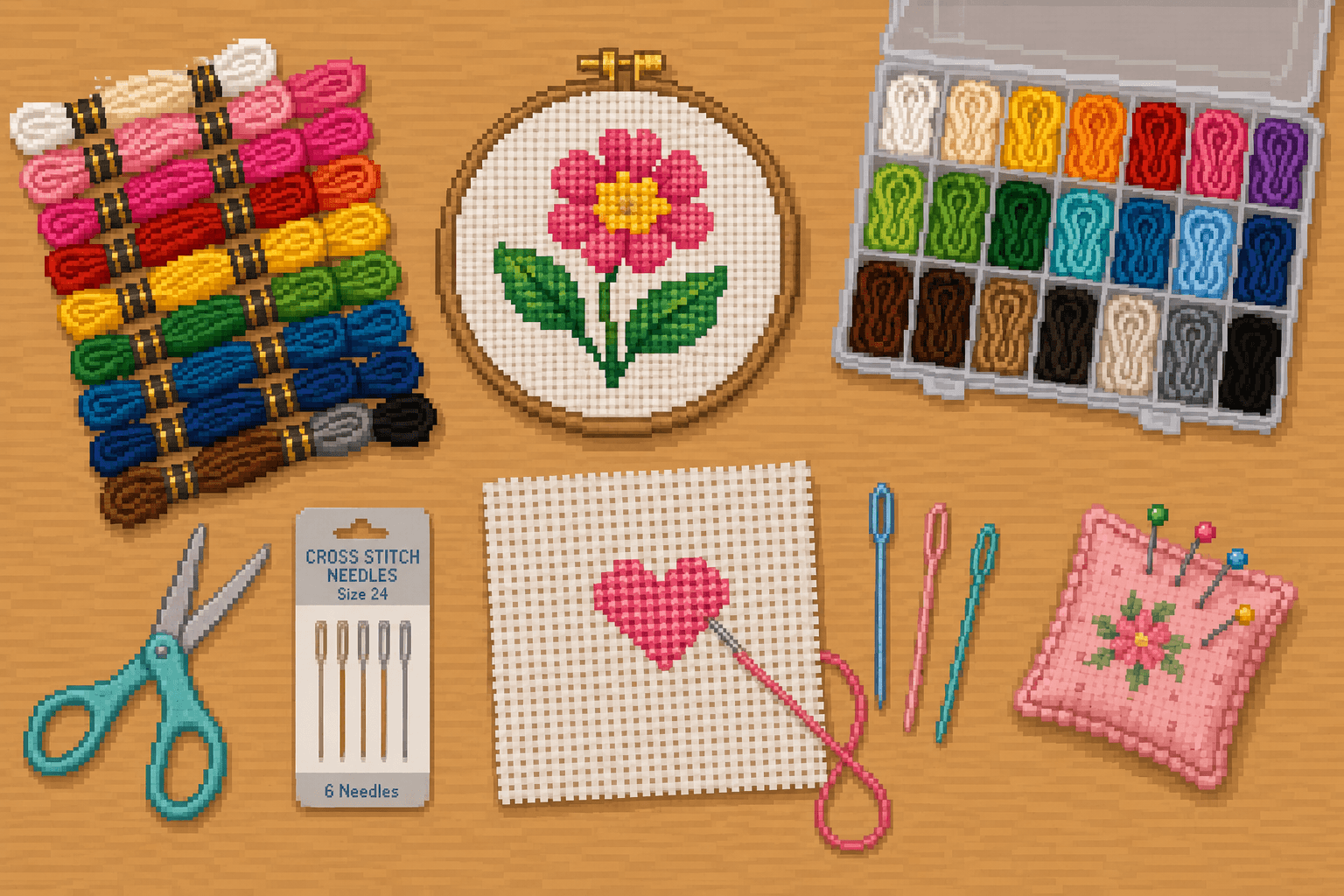
Cross Stitch Patterns
New to cross stitch? This guide shows you how to turn an 8bit Crafts pixel pattern into a finished stitched project using Aida cloth, embroidery floss, and simple X-shaped stitches. You'll learn how to prepare your fabric, separate floss, read a gridded chart, stitch clean color blocks, and finish your project.
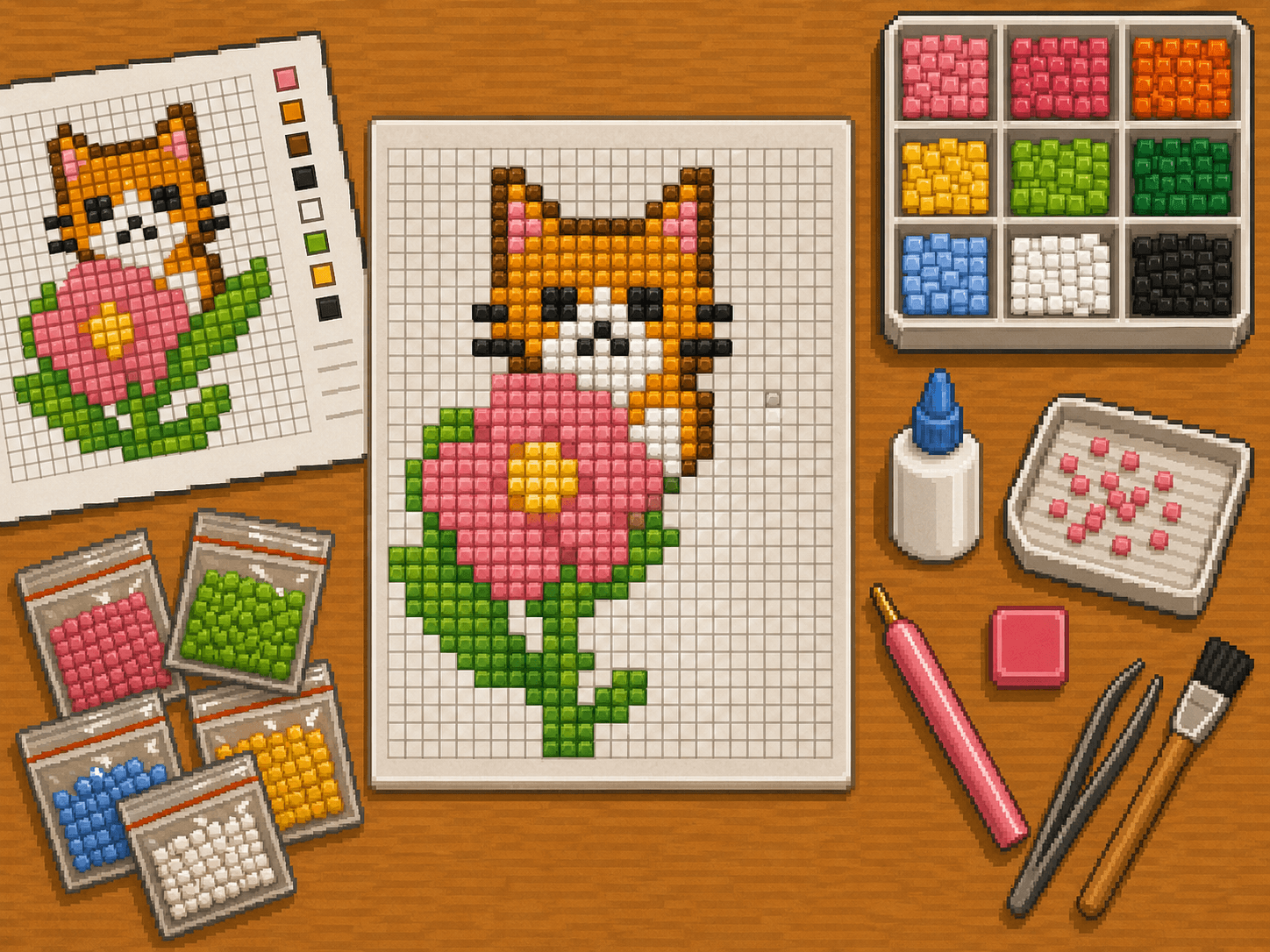
Adhesive drill patterns
New to diamond painting? This guide shows you how to turn an 8bit Crafts pixel pattern into a sparkling drill project using blank diamond painting adhesive sheets.
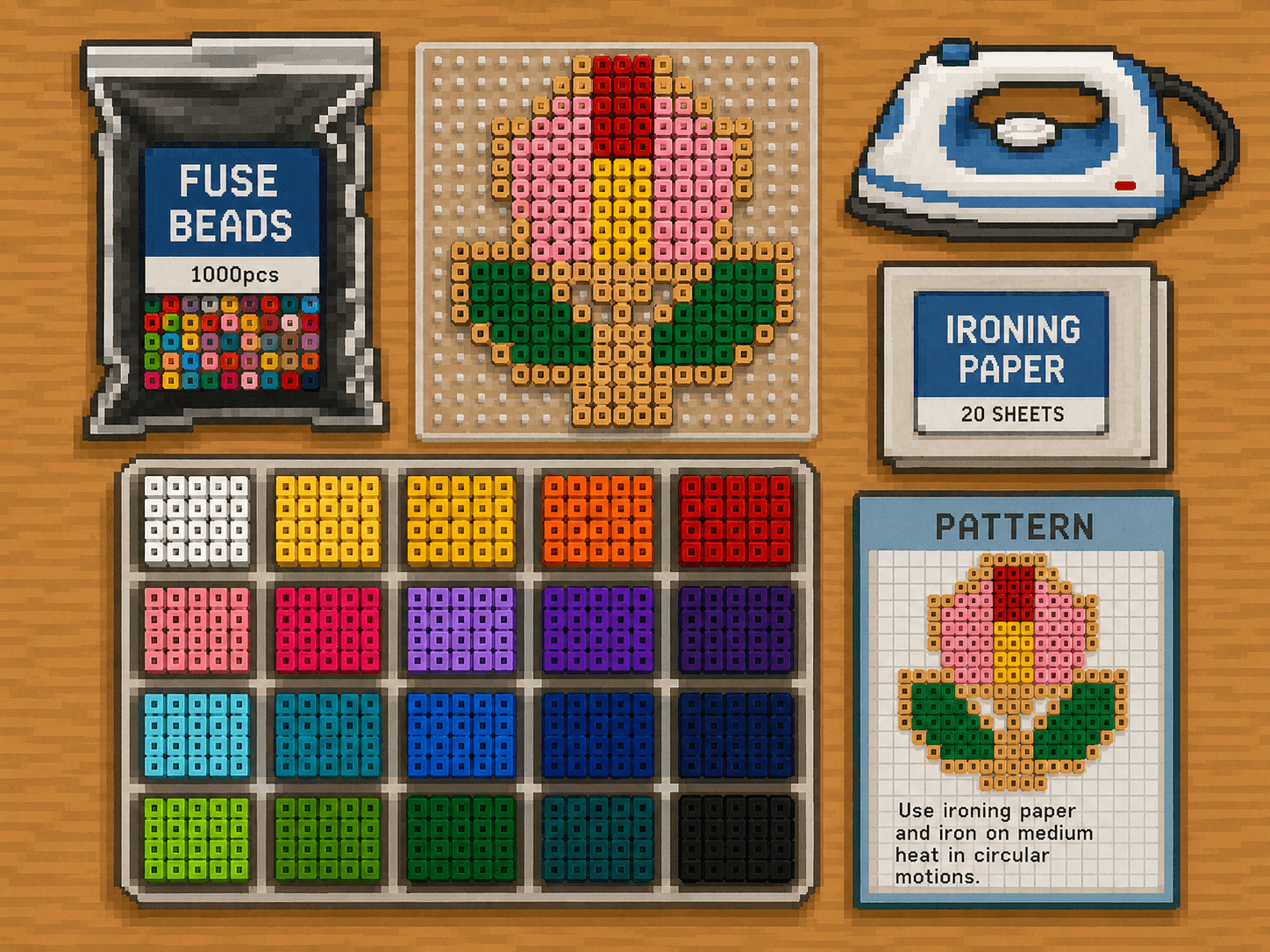
Fuse Bead Patterns
New to fuse beads? This guide shows you how to turn an 8bit Crafts pixel pattern into a finished bead project. You'll learn how to set up your pegboard, sort and place beads from a chart, safely fuse the design with parchment paper, and finish your project so it stays flat and strong.