Step 1
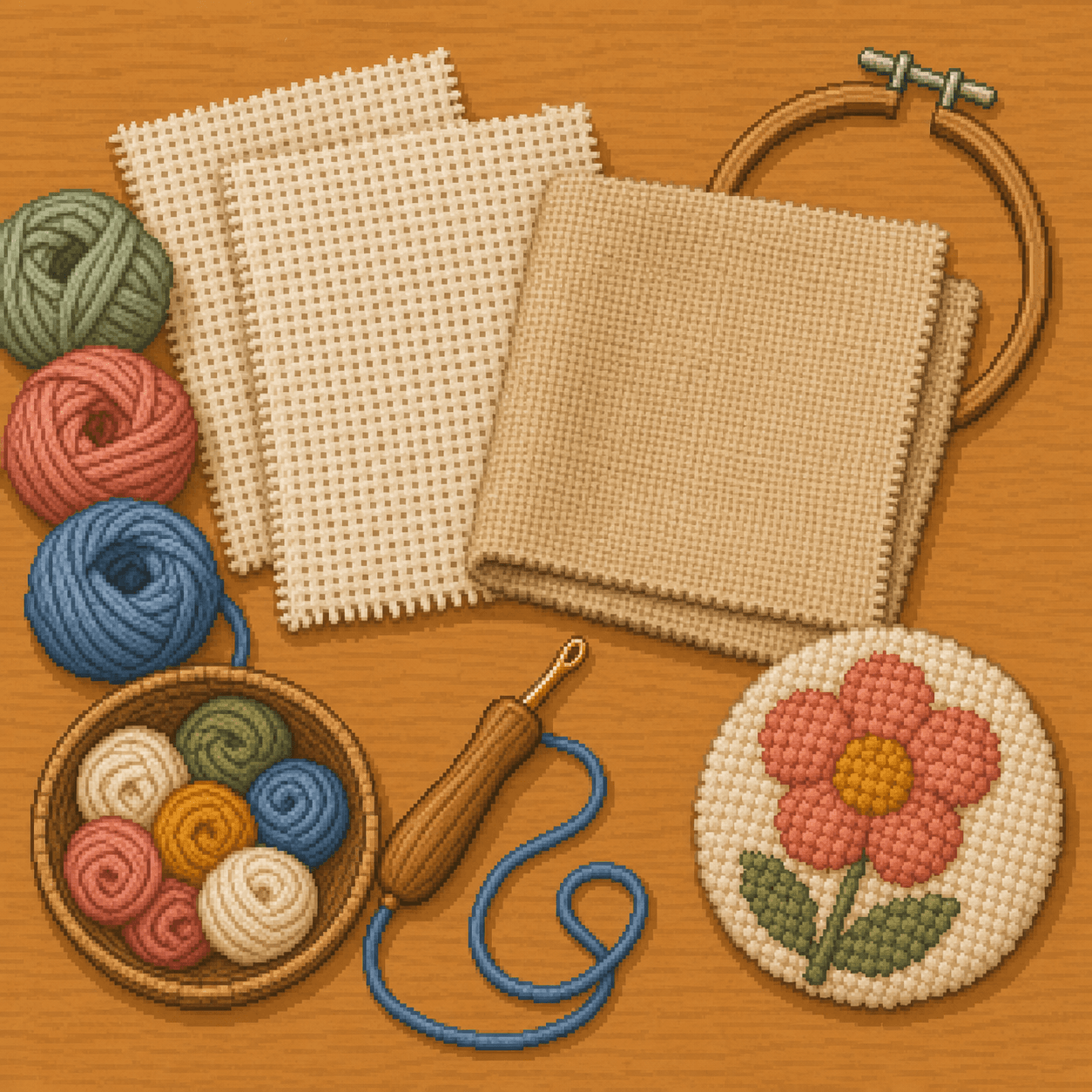
Choose compatible fabric
Use monk's cloth, linen, weaver's cloth, or another punch needle fabric that matches your needle and fiber size. The weave should let the needle pass through while still holding the loops in place.

Punch Needle Patterns
New to punch needle? This guide shows you how to turn an 8bit Crafts pixel pattern into a textured looped-fiber project using punch needle fabric, yarn or floss, and a punch needle tool. You'll learn how to choose compatible materials, set up tight fabric, transfer a simple design, punch even loops, and finish your project.
This guide is one way to complete the pattern. Start with a simple design, work slowly, and experiment as you get more comfortable. When you finish your project, share it with us at 8bitcrafter on Facebook or 8bitcraftkits on Instagram.
Punch needle creates small loops by pushing yarn or embroidery floss through a woven fabric. The loops form on the opposite side of the fabric from the side you are working on.
The tool, fabric, and fiber need to match each other. A larger punch needle usually needs thicker yarn and a foundation fabric like monk's cloth. A smaller punch needle may use embroidery floss and a tighter fabric. If the materials do not match, loops can pull out or the fabric can tear.
Beginners should start with a small design, a firmly stretched fabric, and one loop height. Consistent tension matters more than speed.
Most punch needle work is completed from the back of the design. If you are using a printed or transferred pattern, check which side should face you before you start.
A successful first punch needle project comes from tight fabric, relaxed yarn flow, compatible materials, and slow, even punches.
Pattern Basics
A pixel pattern works as a color map for punch needle. Each square shows where a color belongs, but you do not need to punch one exact loop for every square.
Use the chart to transfer the main color areas, outlines, and simple blocks onto your fabric. For punch needle, the finished piece will look softer and more textured than the original pixel chart.
Punch needle works best with clear color blocks. Tiny details may need to be simplified, enlarged, or made with a smaller punch needle and finer fiber.
For beginners, choose a simple pattern with bold shapes and fewer small details. This makes it easier to keep the design readable once the loops are punched.
Setup
Prepare the fabric so it is drum-tight before punching. Loose fabric makes loops uneven and can cause stitches to pull out.
Step 1
Use monk's cloth, linen, weaver's cloth, or another punch needle fabric that matches your needle and fiber size. The weave should let the needle pass through while still holding the loops in place.
Step 2
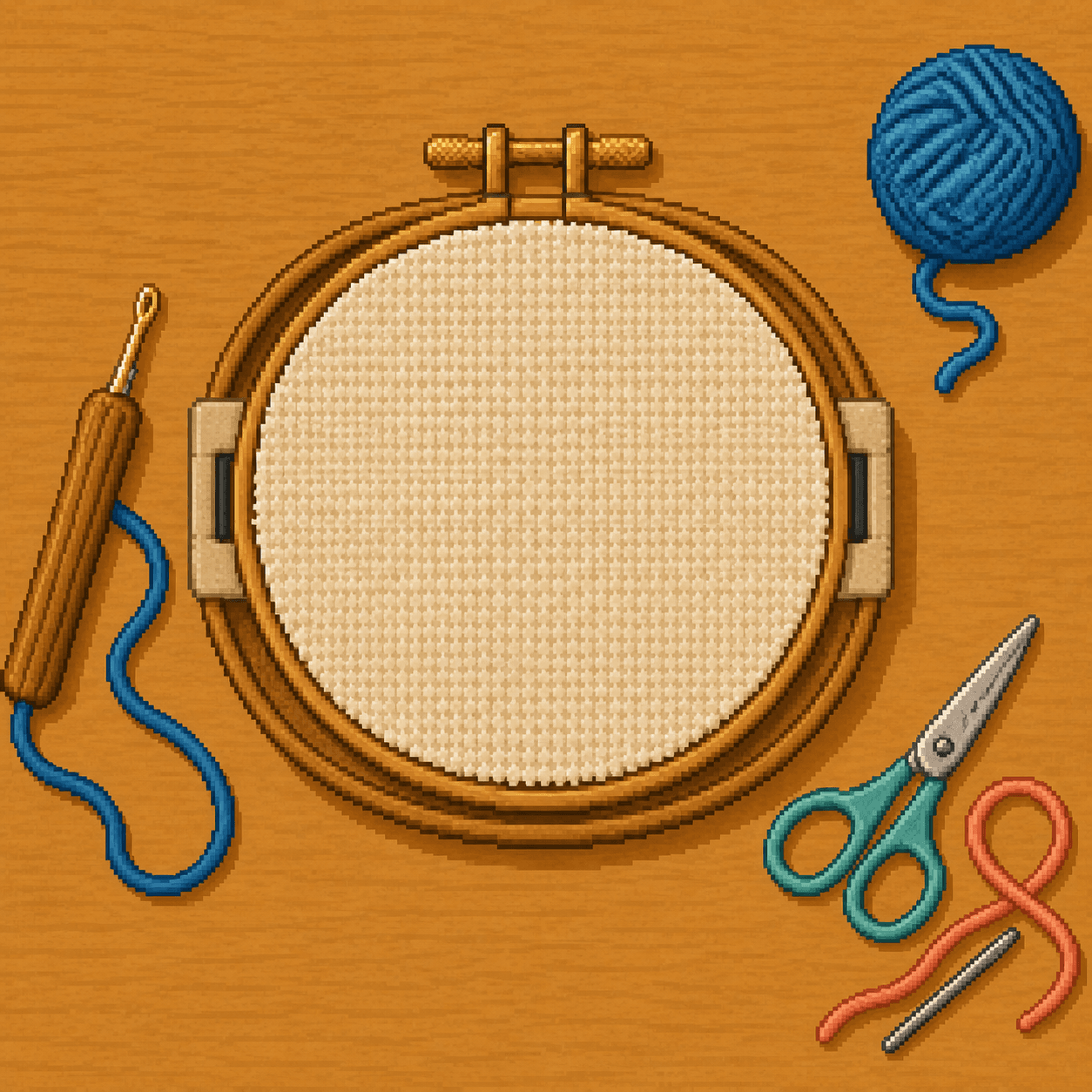
Place the fabric in a hoop, gripper frame, or stretcher frame and tighten it evenly. The surface should feel firm when tapped. If the fabric loosens while you work, stop and tighten it again.
Step 3
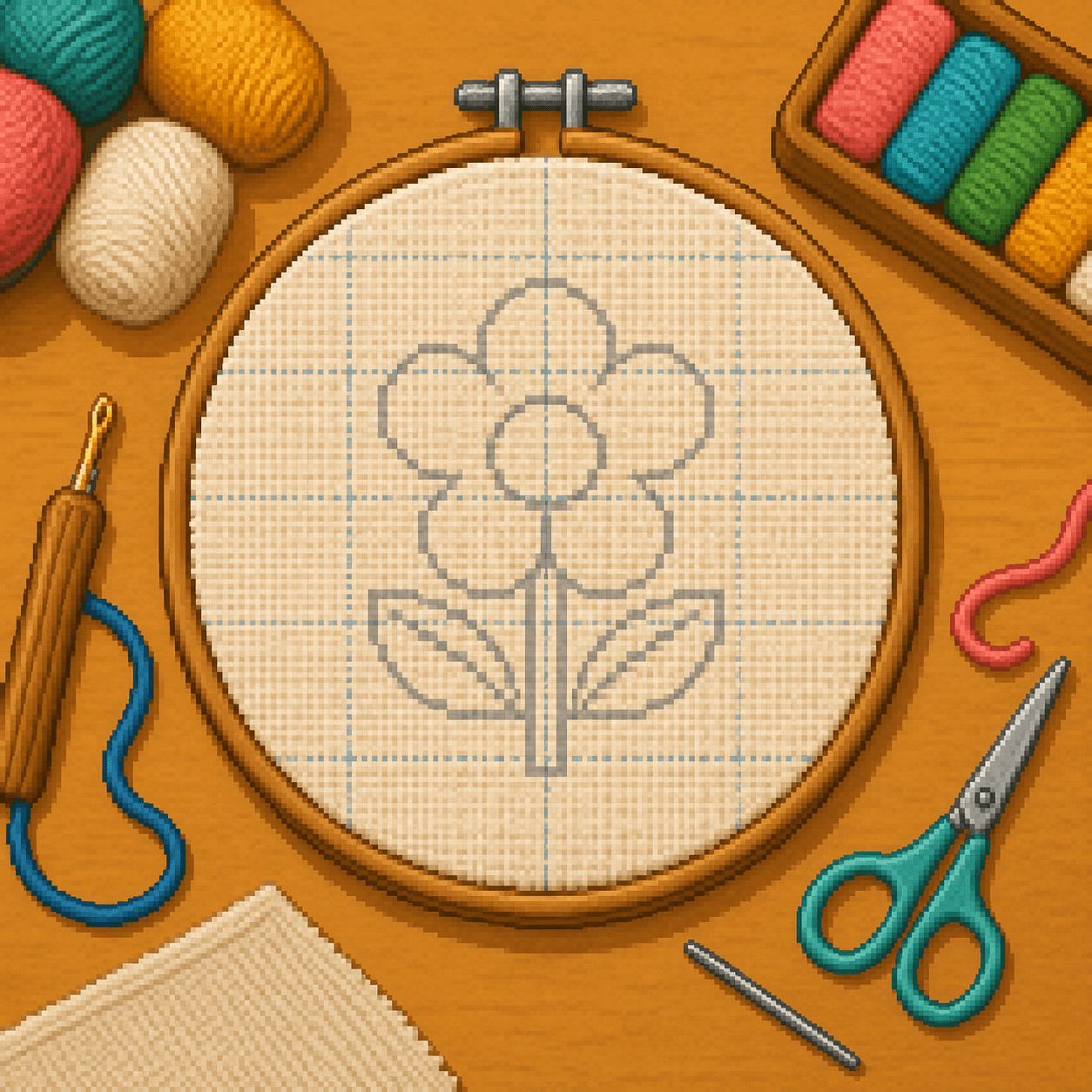
Trace the design with a fabric-safe marker or pencil. Keep lines light and readable, and leave enough fabric around the design for finishing. If the design has tiny details, simplify or enlarge them before transferring.
Technique
Thread the tool correctly, keep the needle opening facing the direction you move, and punch each stitch to the same depth.
Step 1
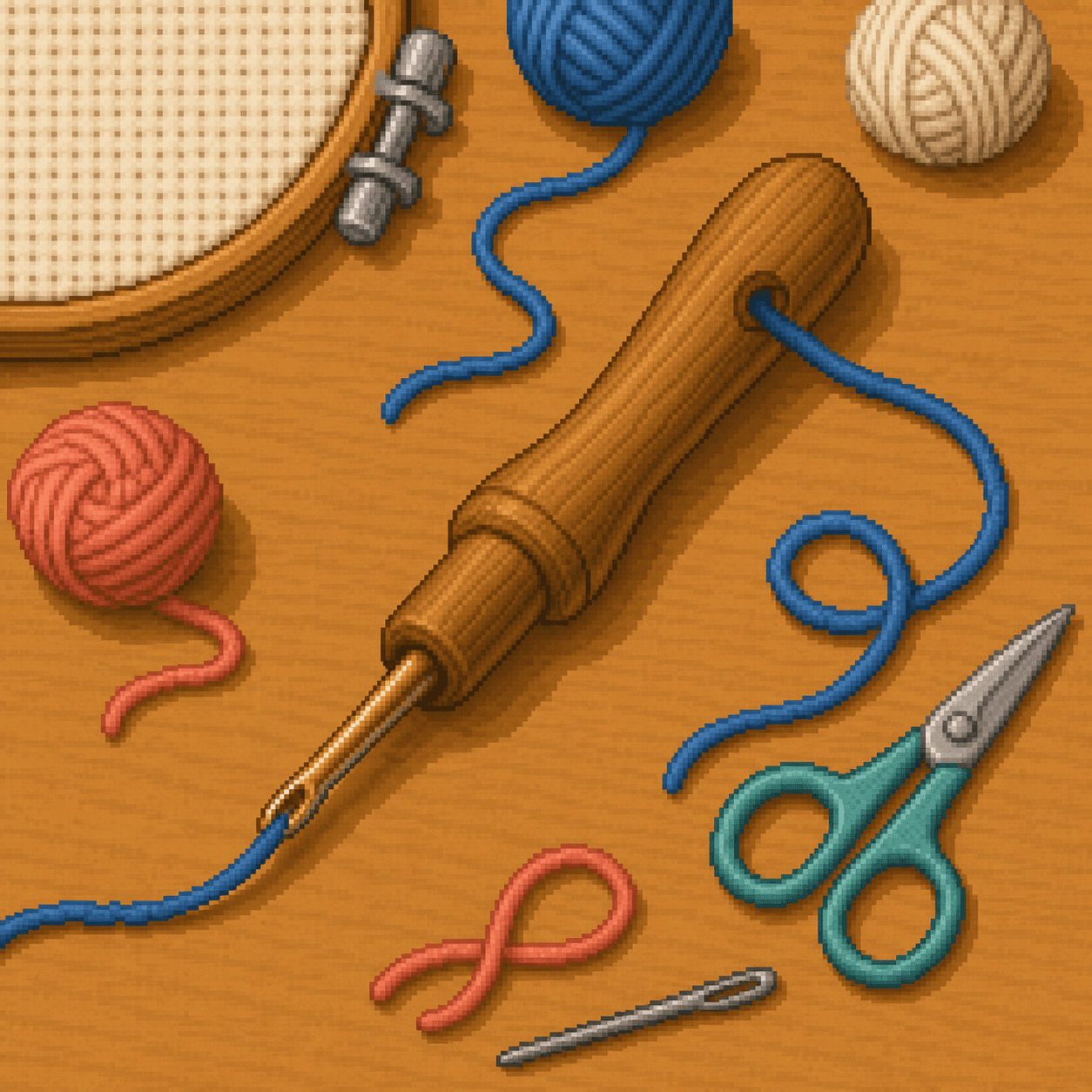
Feed yarn or floss through the handle and out through the needle tip, then thread the fiber through the eye if your tool requires it. The fiber must move freely through the tool.
Step 2
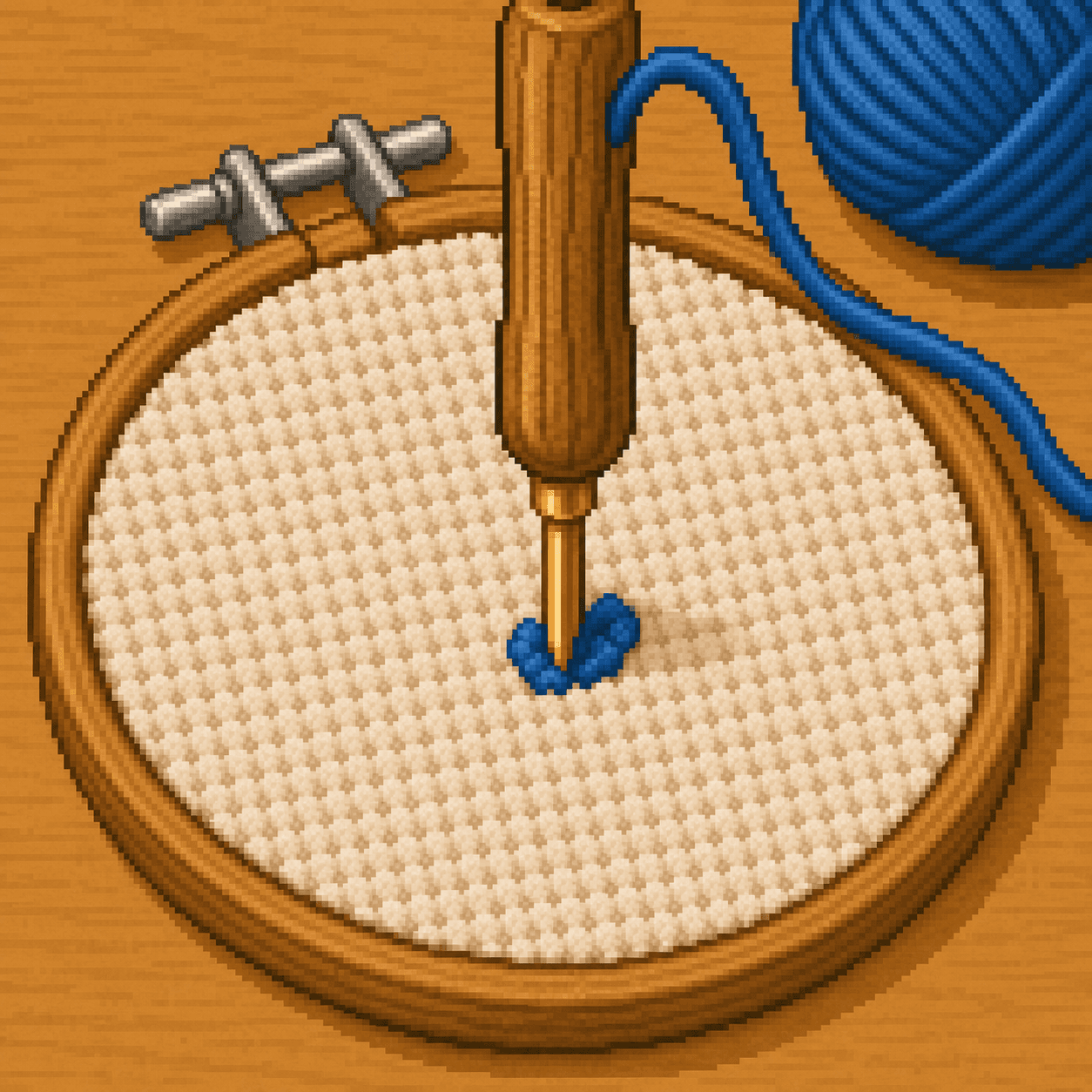
Hold the needle like a pencil and push it straight down through the fabric until the handle or depth stop touches the surface. Punching to the same depth helps keep loops even.
Step 3
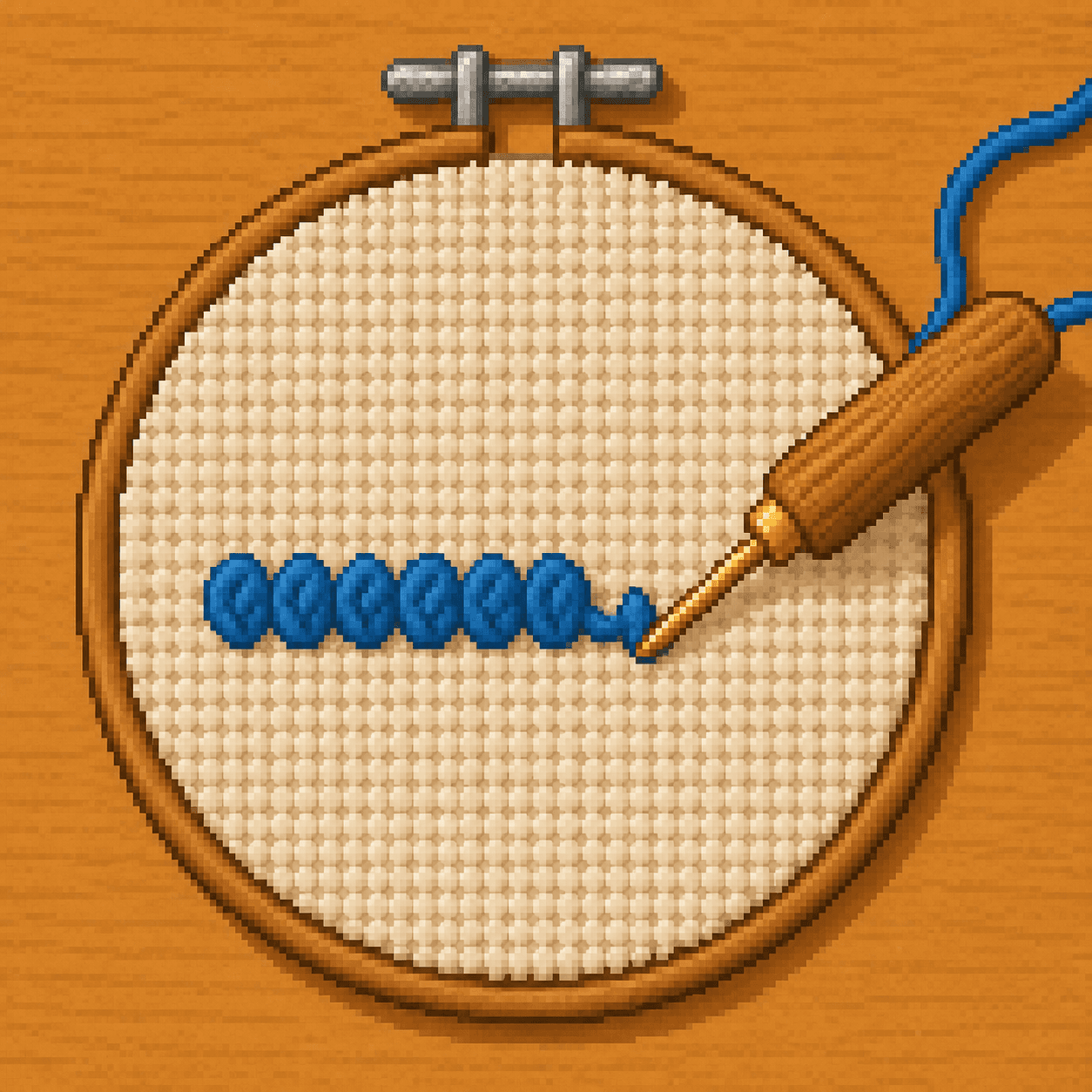
Lift the needle just enough for the tip to clear the fabric, then slide to the next spot. Pulling the needle too high can tug out the previous loop.
Step 4
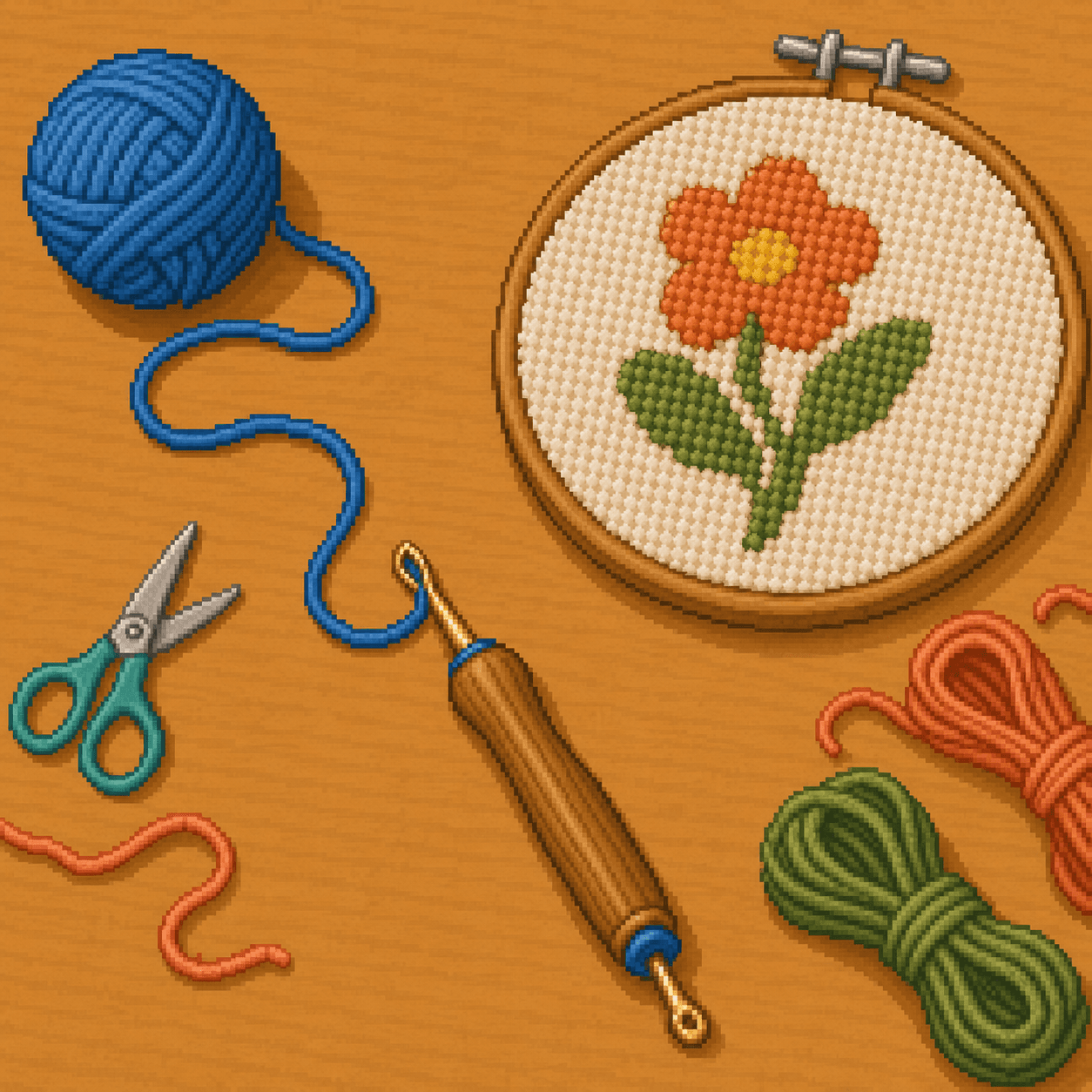
Keep the yarn or floss loose behind the tool. If the fiber is caught, tight, or wrapped around your hand, the loops will shrink or pull out.
Step 5
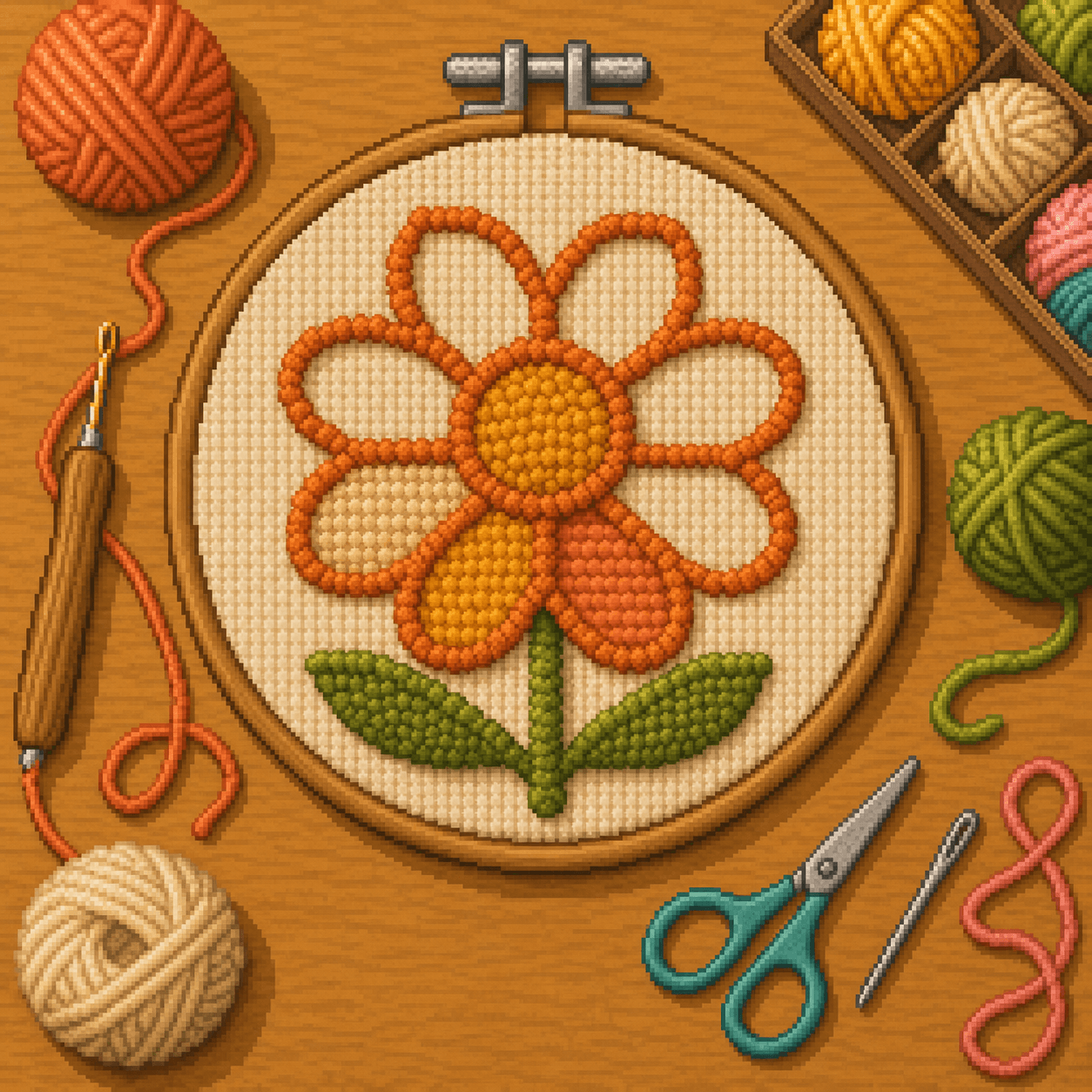
Punch the outline of each color area first, then fill the middle with tidy rows. This helps pixel-style blocks stay crisp and keeps color areas easier to read.
Final Step
Finish the back carefully so the loops stay secure and the front keeps its shape.
Step 1
Clip yarn or floss tails close to the fabric on the working side. Avoid tugging them before trimming because pulling can loosen nearby loops.
Step 2
Turn the piece over and gently adjust uneven loops with the needle tip or small scissors. Check the design from a short distance to make sure the shapes are still readable.
Step 3
For wall art, patches, or pieces that will be handled, apply a thin, compatible fabric glue or backing only after testing it on a small area.
Step 4
Leave the piece in a hoop, sew it to backing fabric, or mount it in a frame depending on the project. Make sure the loops are fully dry and secure before display.
Tip
If loops keep pulling out, check three things first: the fabric is tight, the yarn or floss is feeding freely, and the punch needle is entering to the same depth each time. Also make sure you are not lifting the needle too high between stitches.
Beginner Help
Most beginner punch needle problems come from loose fabric, tight yarn flow, or incompatible materials. Watch for these common issues as you work.
Go slowly, keep the fabric tight, and let the yarn or floss feed freely. Punch needle is forgiving once the materials and motion are working together.
Materials
Punch needle materials need to work as a set. For yarn punch needle, use a larger punch needle, compatible foundation fabric such as monk's cloth, and yarn that feeds smoothly through the tool. For floss punch needle, use a smaller punch needle, embroidery floss, and fabric suited to finer work.
Choose a simple 8bit Crafts pattern with bold color blocks, transfer the main shapes to your fabric, and use this guide as you punch your first project. Start with larger shapes, keep the fabric tight, and let the yarn or floss move freely.
Browse Punch Needle Patterns