Tile-by-tile color work

Mosaic Getting Started

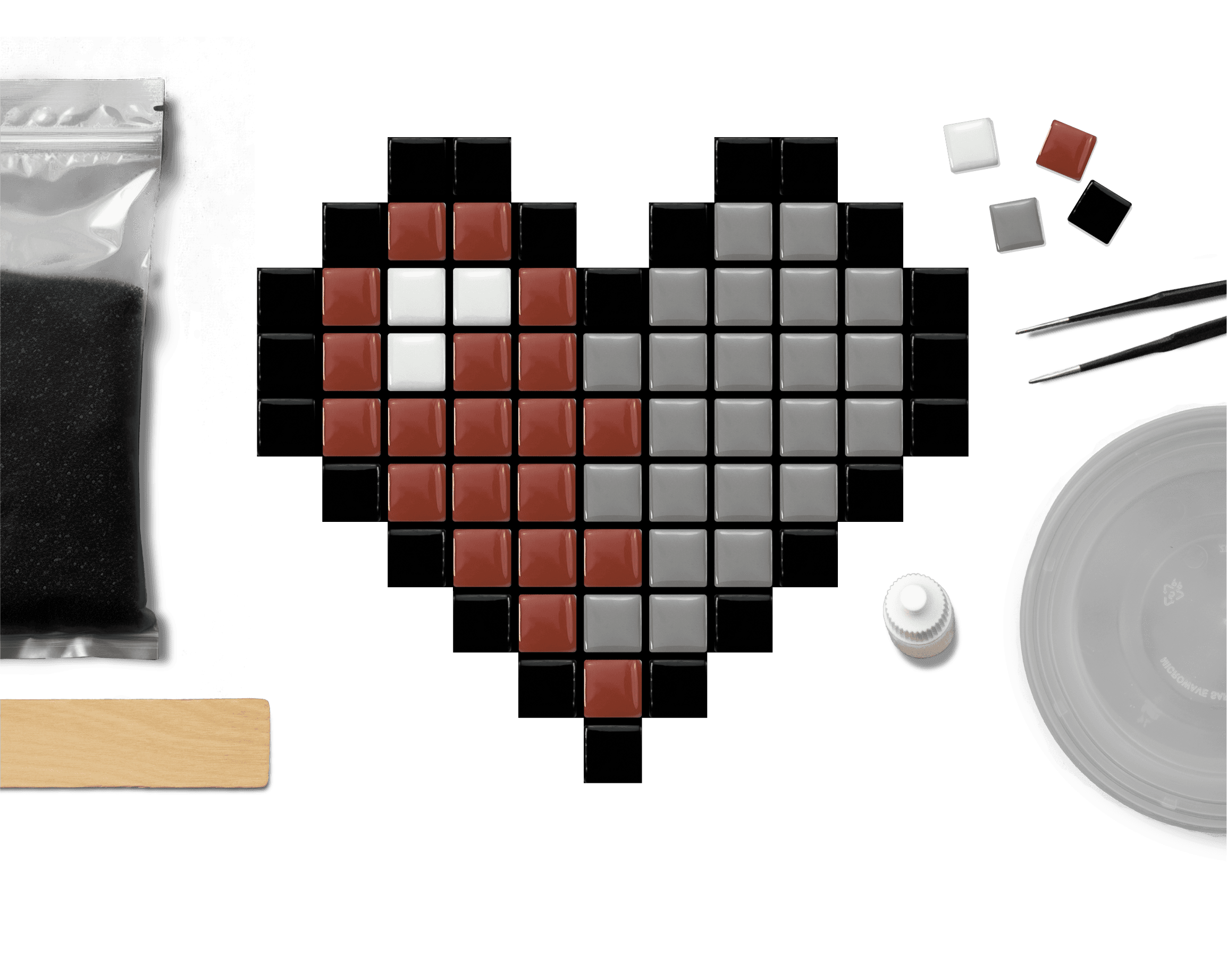
Turn a gridded color chart into tile-by-tile artwork. Mosaic patterns use small tiles placed on a backing board to build a colorful pixel-style design. Each square on the color chart tells you which tile color to place.

Mosaic is a beginner-friendly craft because the pattern does most of the planning for you. Once your backing board is prepared, the process is simple: place the tiles, let the glue dry, apply grout, and clean the surface. When you finish your project, share it with us at 8bitcrafter on Facebook or 8bitcraftkits on Instagram.

Basic Tools and Materials

Mosaic patterns are a creative way to build art one tile at a time. The color chart works like a map, showing which tile color belongs in each square of the design.

The backing board is the surface your tiles attach to. You can use a laser-cut wood backing board, a hand-cut wood or chipboard backing board, or another sturdy flat surface that works with your adhesive.

Helpful supplies include mosaic tiles, strong craft glue or mosaic adhesive, precision tweezers, grout, a small mixing container, wooden stirrers or paddles, gloves, paper towels, graphite transfer paper, and the included printable transfer files.

The printable transfer files help place the design shape and grid onto your backing board. The color chart tells you which tile colors to place after the board is prepared.

The cleanest mosaic projects come from organized tile colors, careful glue placement, enough drying time, and patient grout cleanup.

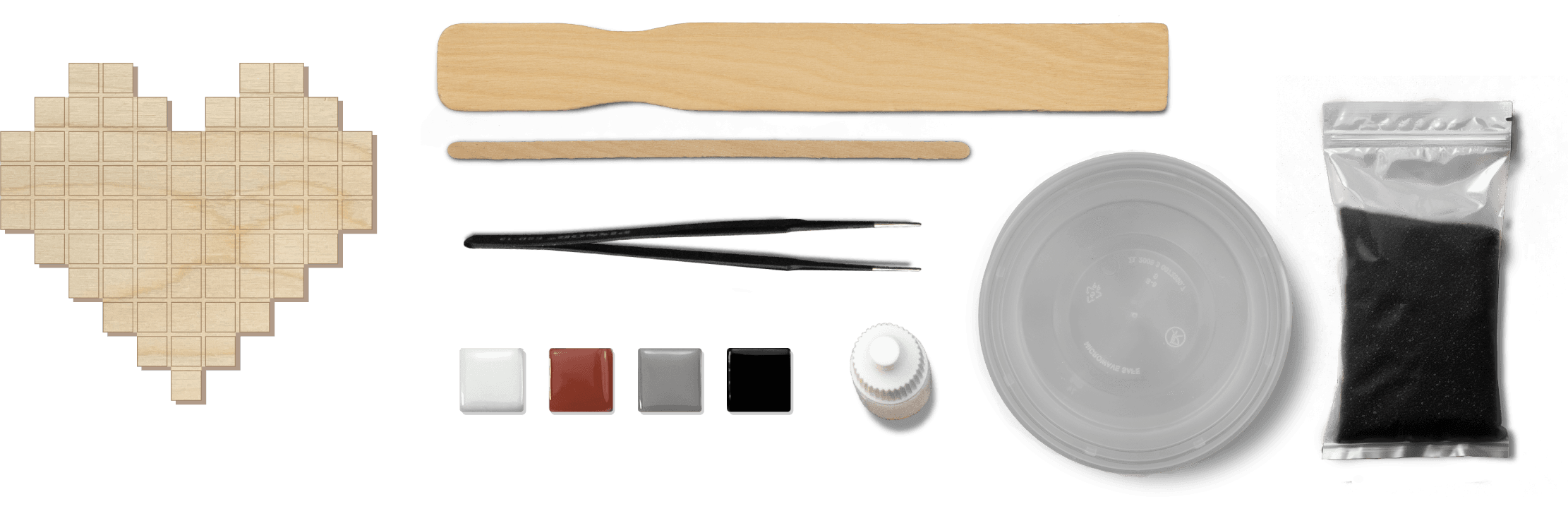
Mosaic tools and materials laid out in a row.

Substrate

About the Backing Board

The backing board is the base that holds your mosaic tiles. It can be made from wood, chipboard, thick cardboard, or another sturdy flat material that works with your glue and grout.

If you have access to a laser cutter, you can use the included laser cutting files to make a precise backing board with engraved tile guides.

If you are cutting the backing board by hand, use the included printable transfer files to help transfer the pattern shape and tile placement guide onto your surface. Place graphite transfer paper between the printed template and the backing board, then trace the design lines with a pencil or stylus.

Keep your transferred guide lines light enough to cover, but clear enough to help with tile placement.

Mosaic backer board template and cut substrate example.

Backing Boards

Laser Cut Wood Backing Boards

If you have access to a laser cutter, you can use our laser cutting files to create a polished wood backing board for your mosaic.

The files can cut the outside shape of the pattern and engrave guide lines for tile placement. This gives you a clean base before you start laying tiles.

Laser cutting is optional. If you are not using a laser-cut board, use the included printable transfer files and graphite transfer paper to transfer the pattern onto your backing board by hand.

Setup

Laying Tile

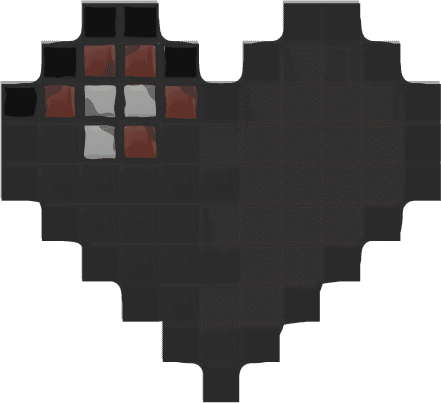
Before you glue anything down, organize your tiles and review the color chart. Each square on the chart tells you which tile color belongs in that space.

Step 1

Prepare the board and start at the top left

Use a laser-cut backing board or transfer the pattern onto your backing board with the included printable transfer files and graphite transfer paper. Once the board is clean, dry, and flat, start at the top left corner of the design and move from left to right, then top to bottom.

Step 2

Use one small drop of glue

Use a strong craft glue or mosaic adhesive. A small drop is usually enough for each tile. Too much glue can make tiles slide around or squeeze up around the edges.

Step 3

Place tiles with tweezers

Use precision tweezers to place each tile inside the guide lines. Press the tile down gently with your finger or a wooden tool so it sits flat on the board.

Step 4

Let tiles dry

After all tiles are placed, let the project dry fully before applying grout. Follow the adhesive instructions when possible. If no drying time is listed, wait at least 2 hours before grouting, and longer if the tiles still move.

Preparation

Preparing Grout

After the glue has dried and the tiles are secure, prepare the grout. Aim for a thick, spreadable consistency similar to brownie batter.

  1. Start by pouring grout powder into a small mixing container. Add water slowly, about one tablespoon at a time, and mix until the grout is smooth and spreadable.
  2. Use a wooden paddle or stirrer to mix thoroughly. Scrape the sides and bottom of the container so dry powder does not hide in the corners.
  3. If the grout becomes too watery, add a small amount of grout powder to thicken it.

Avoid breathing grout powder. Wear a dust mask while mixing dry grout, wear gloves while applying it, protect your work surface, and follow the grout product instructions.

Technique

Applying Grout

Apply grout over the tile surface, press it into the spaces between tiles, clean the tile faces, and let the mosaic harden fully.

Figure 4: grout being spread over the mosaic surface.

Step 1

Spread the grout

Put on gloves, then use a wooden paddle or similar tool to spread grout across the mosaic surface.

Figure 5: grout covering the mosaic and filling the spaces between tiles.

Step 2

Press grout into gaps

Press the grout into the spaces between the tiles and along the outer edges of the backing board. The goal is to fill the gaps while keeping the tile faces clean enough to wipe later.

Figure 6: extra grout removed from the top of the mosaic.

Step 3

Remove extra grout

Use the wooden paddle to remove extra grout from the top of the mosaic. For the sides and corners, use a coffee stirrer or wooden tool to scrape away heavy buildup. Let the grout sit for about 15 minutes, or follow the grout product instructions.

Figure 7: tile surfaces being wiped clean after grout starts drying.

Step 4

Wipe the tile surface

Use a slightly damp paper towel or sponge to gently wipe grout haze from the tile surfaces. Be careful not to pull grout out of the spaces between the tiles.

Figure 8: cleaned tile surfaces with grout lines left in place.

Step 5

Preserve the grout lines

Wipe the tile faces as clean as possible while leaving the grout lines in place. Use light pressure and repeat as needed.

Step 6

Clean the edges and let it harden

Clean the outside edges and corners with a coffee stirrer or wooden tool. After cleanup, let the mosaic sit for 24 hours so the grout can harden fully before final handling.

Final Step

Final Cleanup

Once the grout has hardened, finish the mosaic by removing haze, cleaning the edges, and buffing the tile surface.

Figure 9: mosaic surface after the grout has set and is ready for cleanup.

Step 1

Buff each tile

Use a clean paper towel or soft cloth to gently buff the surface of each tile and bring back its shine.

Figure 10: cleaned and buffed mosaic after final cleanup.

Step 2

Clean edges and corners

Use a coffee stirrer or wooden tool to scrape away any remaining grout along the edges and corners of the backing board.

Step 3

Wipe and buff again

Wipe around the mosaic edges and give the tiles one final buff. If a light grout haze remains, repeat with a clean dry cloth.

Step 4

Remove protective tape

If the back of the project was protected with tape, remove it after the grout has hardened and the cleanup is finished.

Beginner Help

Common Beginner Mistakes

Most beginner mosaic issues happen when the pattern is not transferred clearly, tiles shift while drying, or grout is mixed too thin.

  • Skipping the printable transfer files before gluing tiles
  • Using too much glue and making tiles slide
  • Losing track of similar tile colors while following the chart
  • Grouting before the glue has dried
  • Mixing grout so thin that it runs between tiles
  • Wiping too aggressively and pulling grout from the gaps

Go slowly, organize your tile colors before gluing, and let each stage dry or harden before moving to the next step.