Step 1
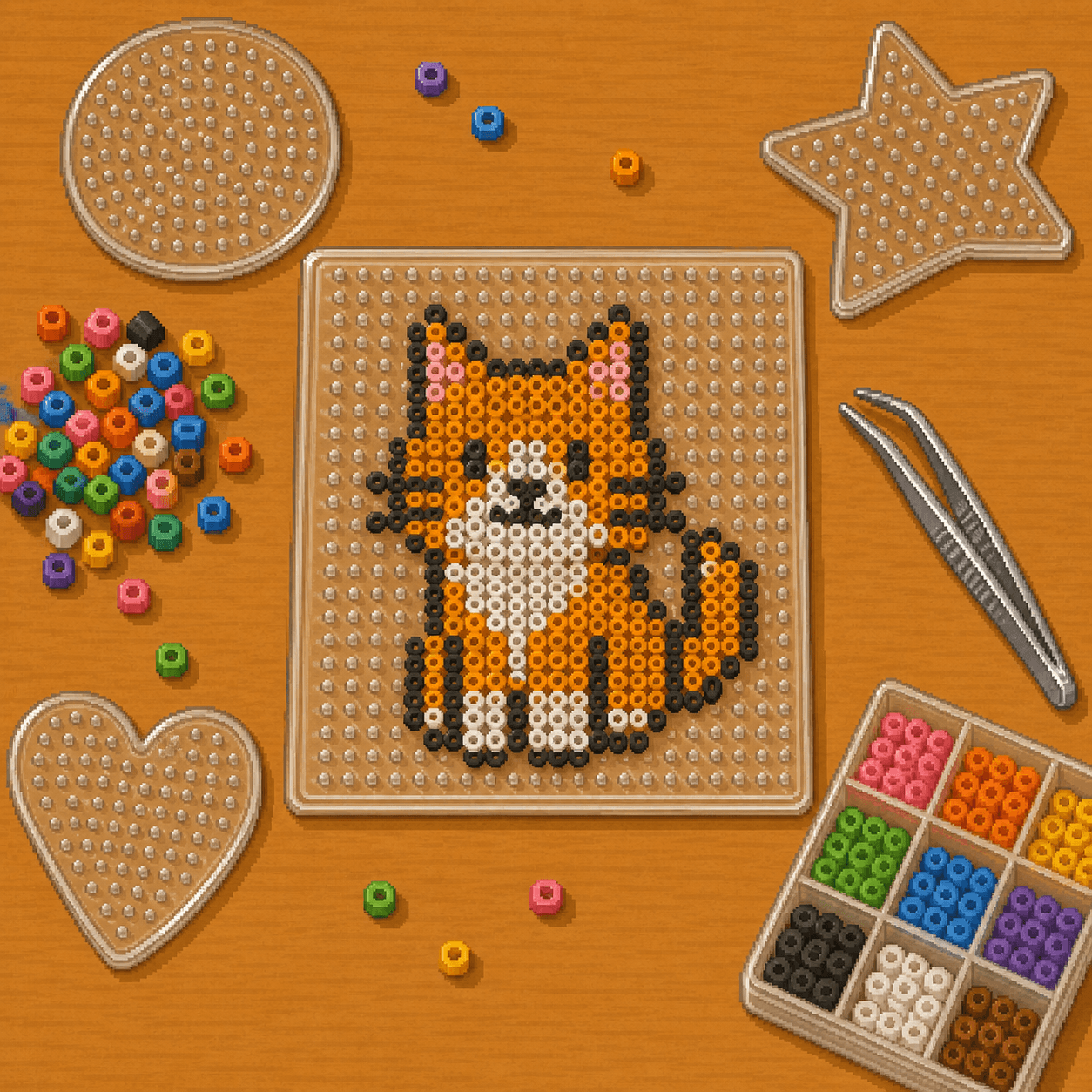
Choose the board
Use a pegboard large enough for the design. If the pattern needs multiple boards, connect them on a flat surface before placing beads.

Fuse Bead Patterns
New to fuse beads? This guide shows you how to turn an 8bit Crafts pixel pattern into a finished bead project. You'll learn how to set up your pegboard, sort and place beads from a chart, safely fuse the design with parchment paper, and finish your project so it stays flat and strong.
This guide is one way to complete the pattern. Start simple, work carefully, and experiment as you get more comfortable. When you finish your project, share it with us at 8bitcrafter on Facebook or 8bitcraftkits on Instagram.
Fuse bead projects turn each square of a pixel pattern into one bead on a pegboard. After the beads are placed, the design is fused with heat so the beads melt together into one finished piece.
Beginners should start with a small design and sort colors before placing beads. A tray, muffin tin, or small containers can help keep colors separated while you work.
Ironing is the highest-risk step. Use parchment paper, keep the iron moving, and let an adult handle heat when kids are crafting.
The best fuse bead results come from careful placement, even heat, and patience while the design cools flat.
The best fuse bead results come from careful placement, even heat, and patience while the design cools flat.
Pattern Basics
Each square on the pattern chart equals one bead on your pegboard. Match the bead color to the chart color and place the beads one square at a time.
For beginners, it usually helps to start in one corner and work in small sections. Check the chart often so you can catch color mistakes before the board fills up.
If two colors look similar, sort and label them before you begin. This makes the project easier and helps avoid replacing beads later.
Setup
Prepare your bead colors and board before placing the first bead. A stable setup prevents bumps, color mistakes, and lost progress.
Step 1
Use a pegboard large enough for the design. If the pattern needs multiple boards, connect them on a flat surface before placing beads.
Step 2
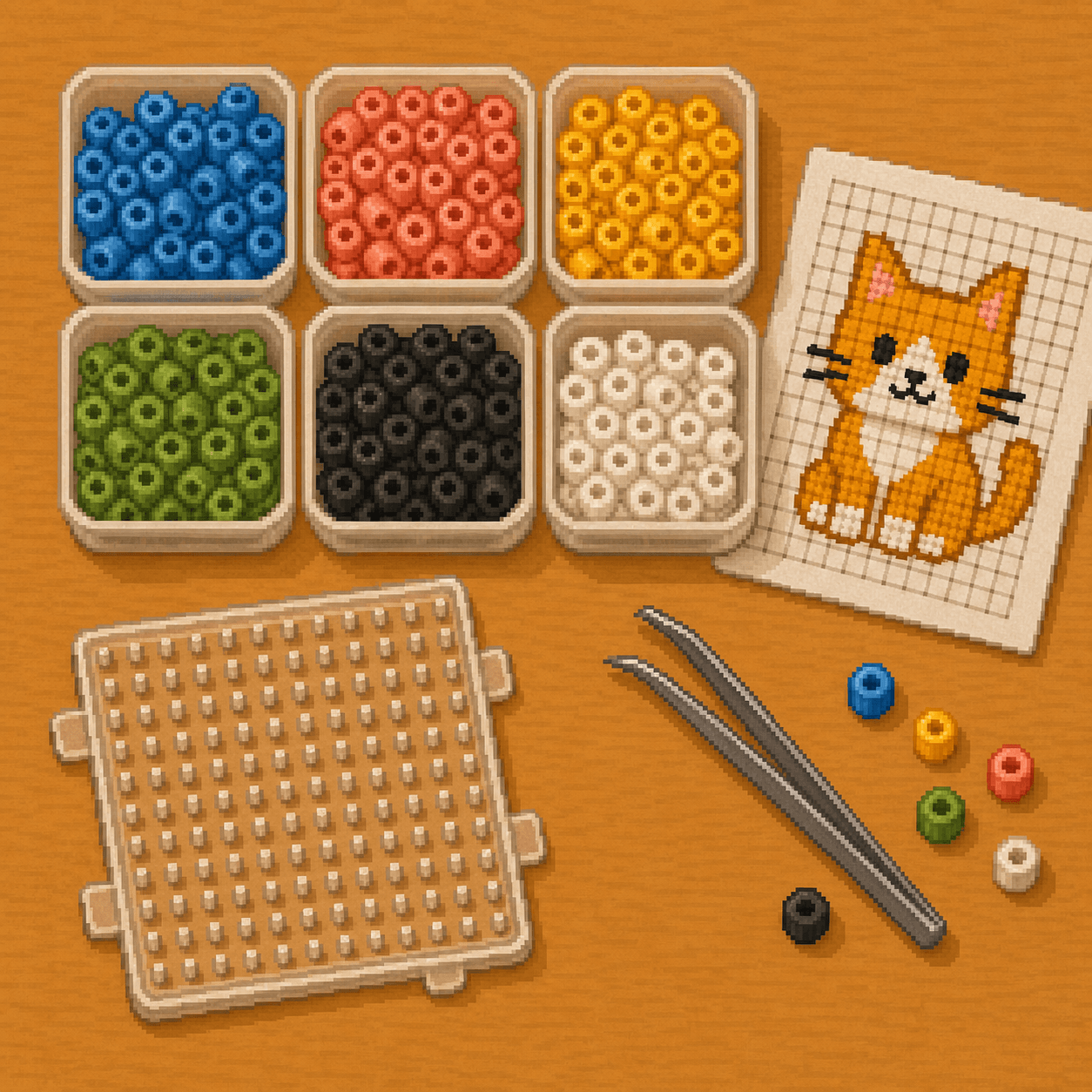
Sort beads by pattern color before starting. Keep the chart close and label similar colors if they are hard to tell apart.
Step 3
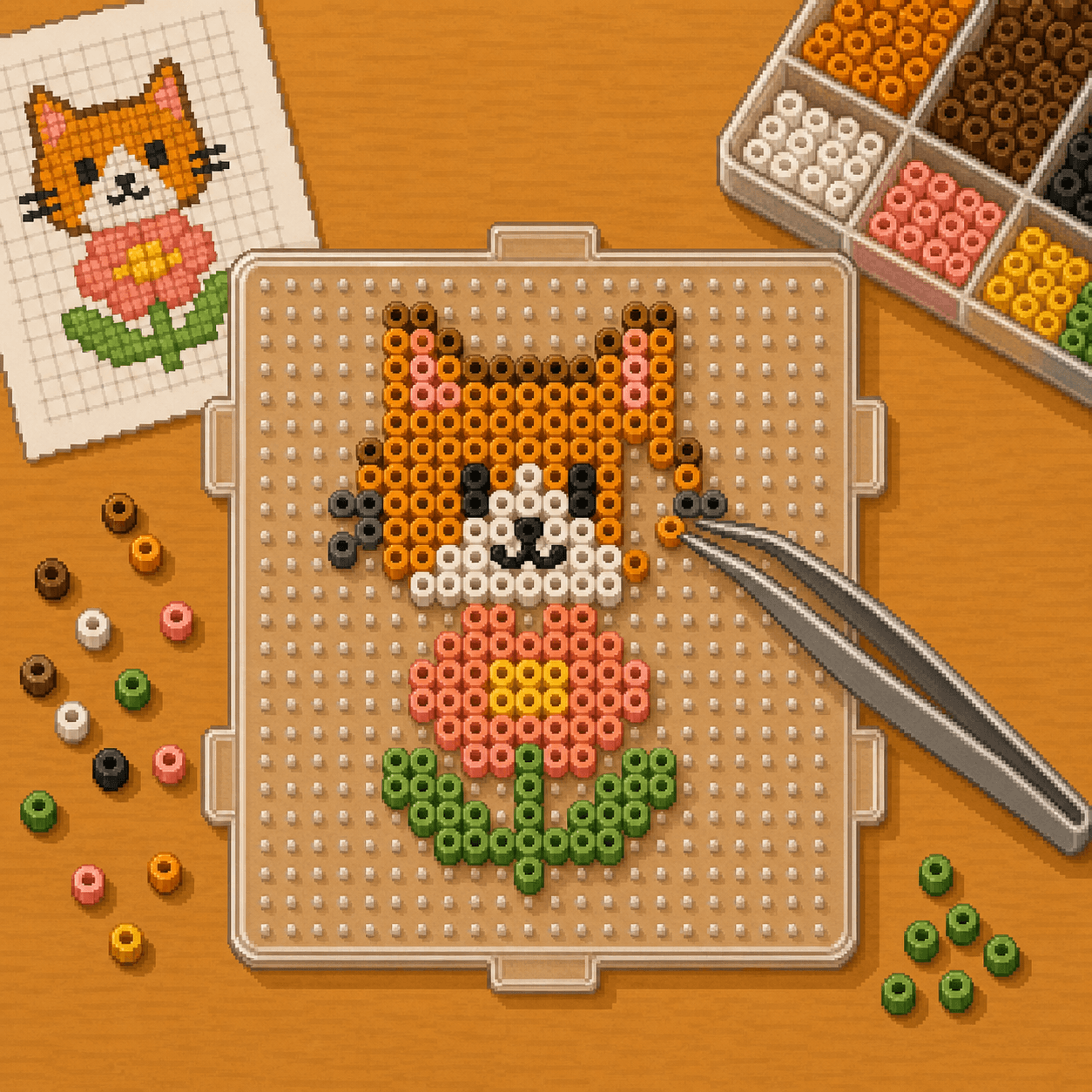
Work in small sections and check the chart often. Tweezers help with precise placement and make it easier to correct mistakes.
Technique
Fuse slowly and evenly. The goal is to join the beads without overheating the design or warping the pegboard.
Before ironing, turn off steam if your iron has a steam setting. Use dry heat only.
Step 1
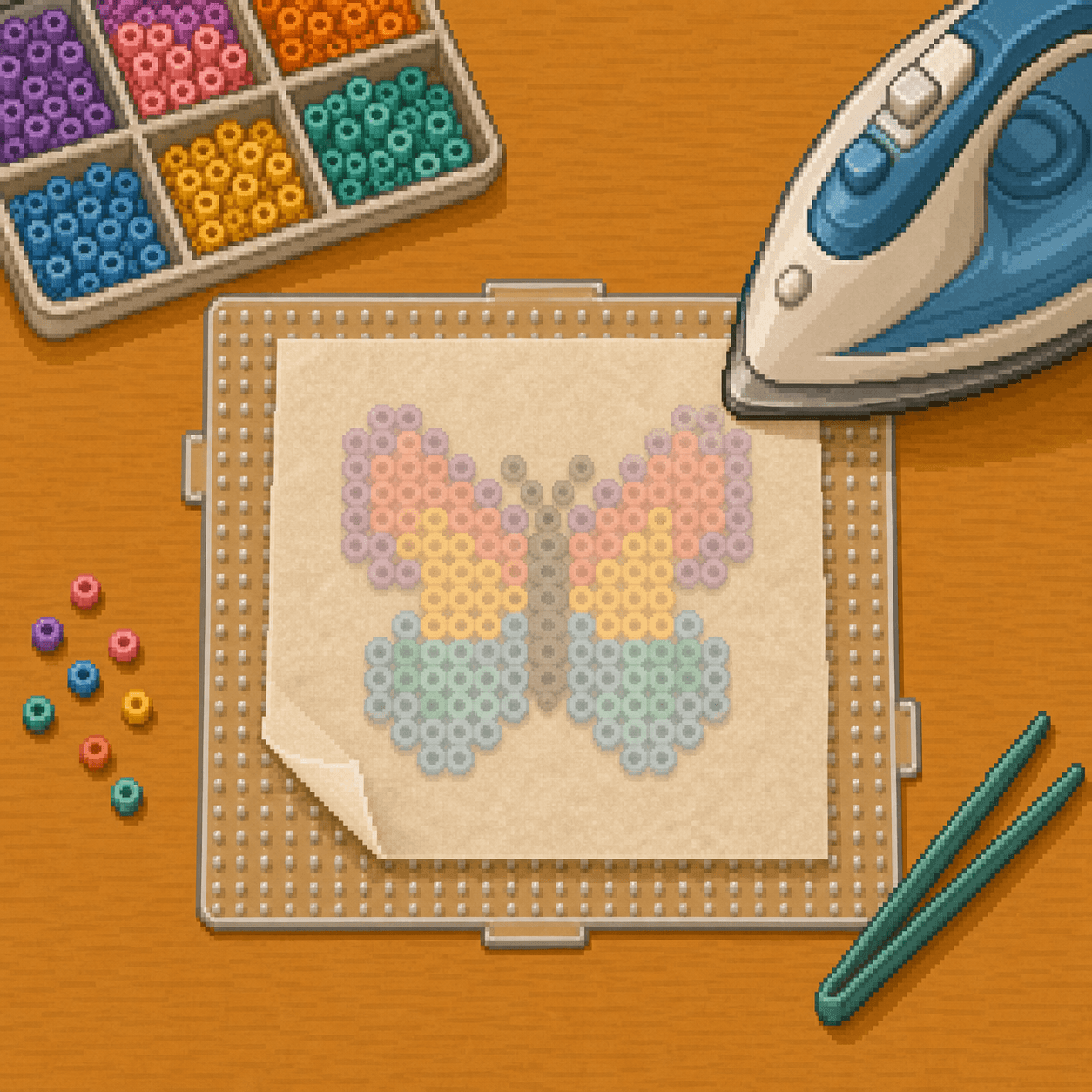
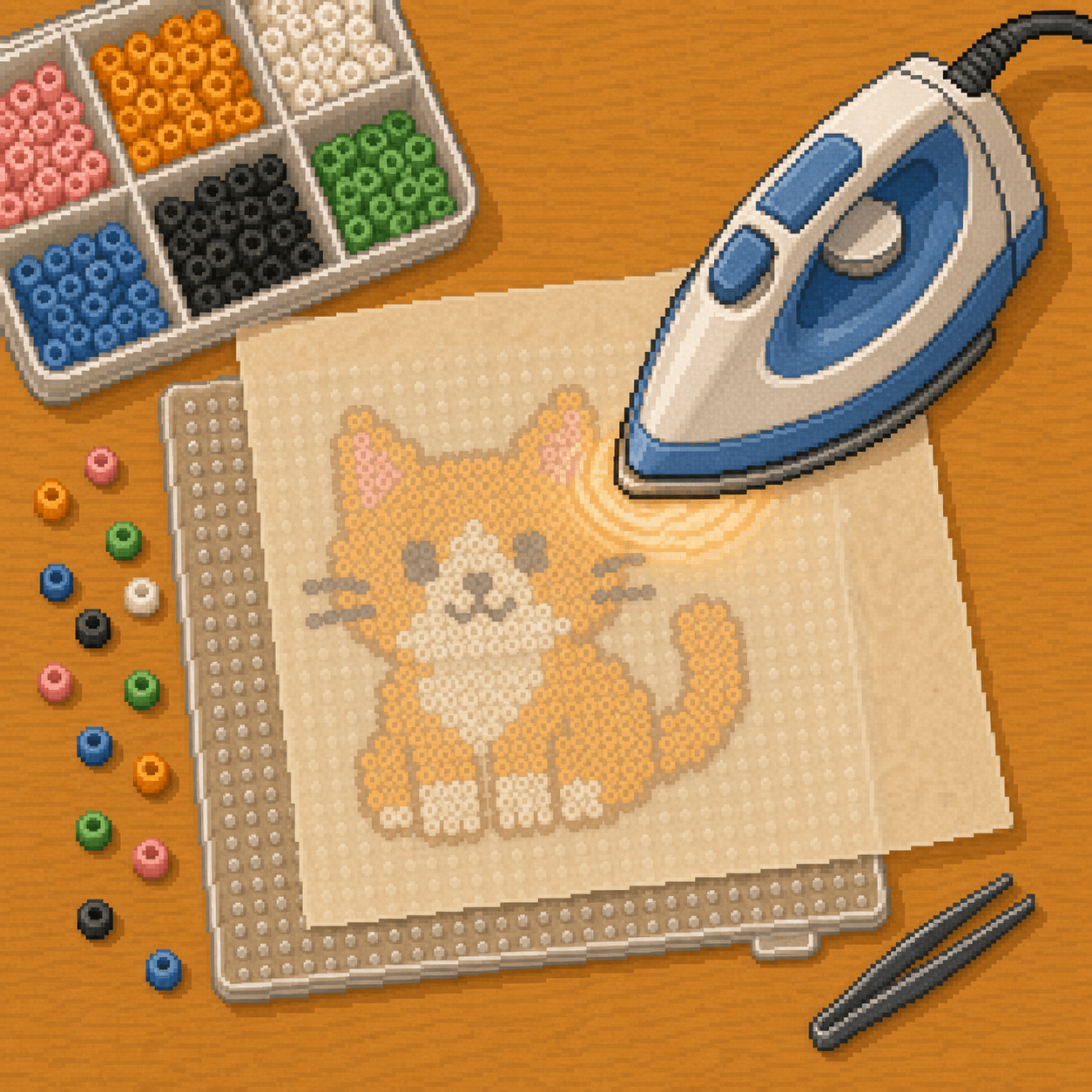
Place parchment paper or fuse bead ironing paper over the beads. Never put the iron directly on uncovered beads or the plastic pegboard.
Step 2
Use medium heat and move the iron in small circles. Iron for a few seconds at a time, then check the design. The beads should begin connecting at the edges without losing their shape completely.
Step 3
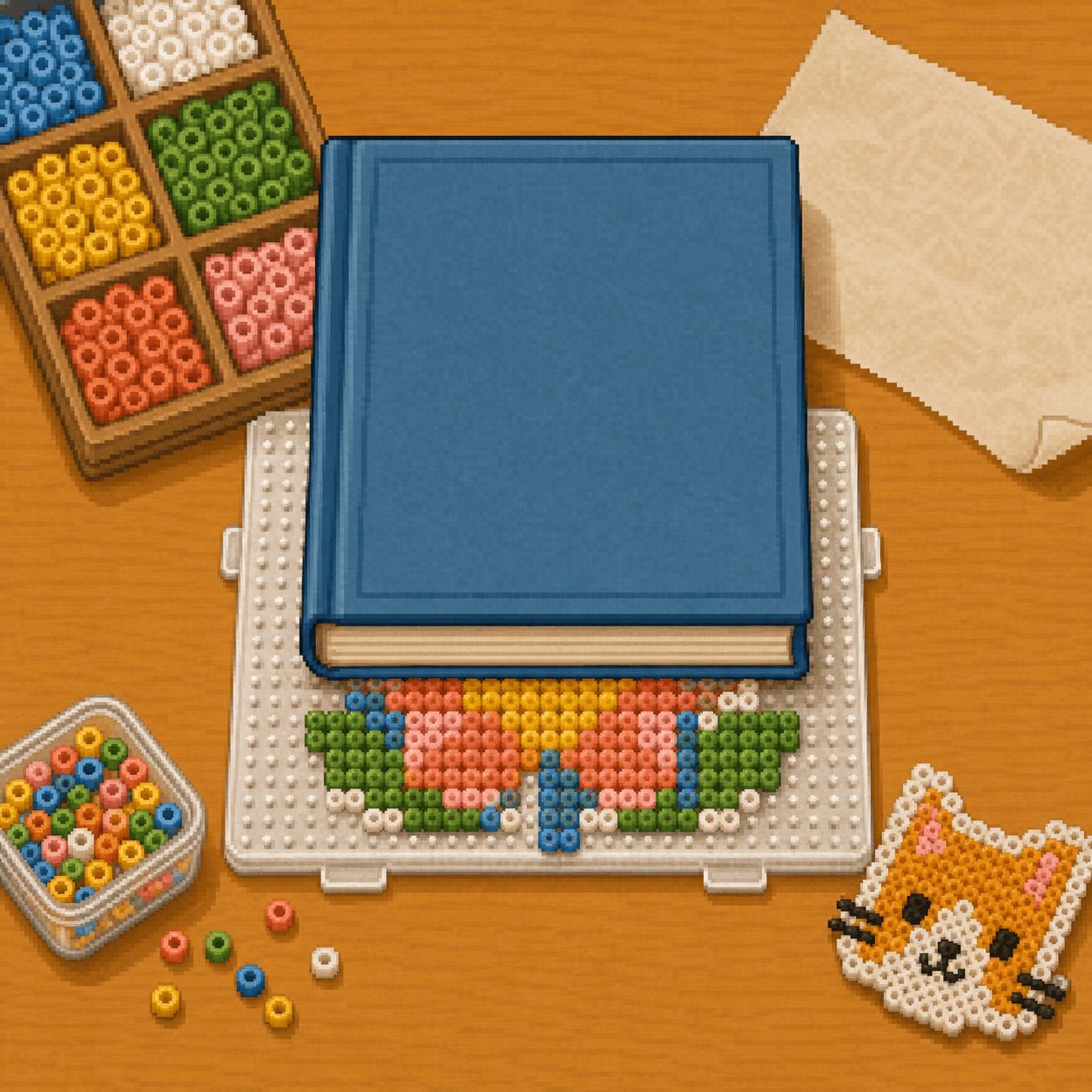
Let the piece cool briefly, then place a flat weight on top, such as a book or board. This helps reduce curling.
Step 4
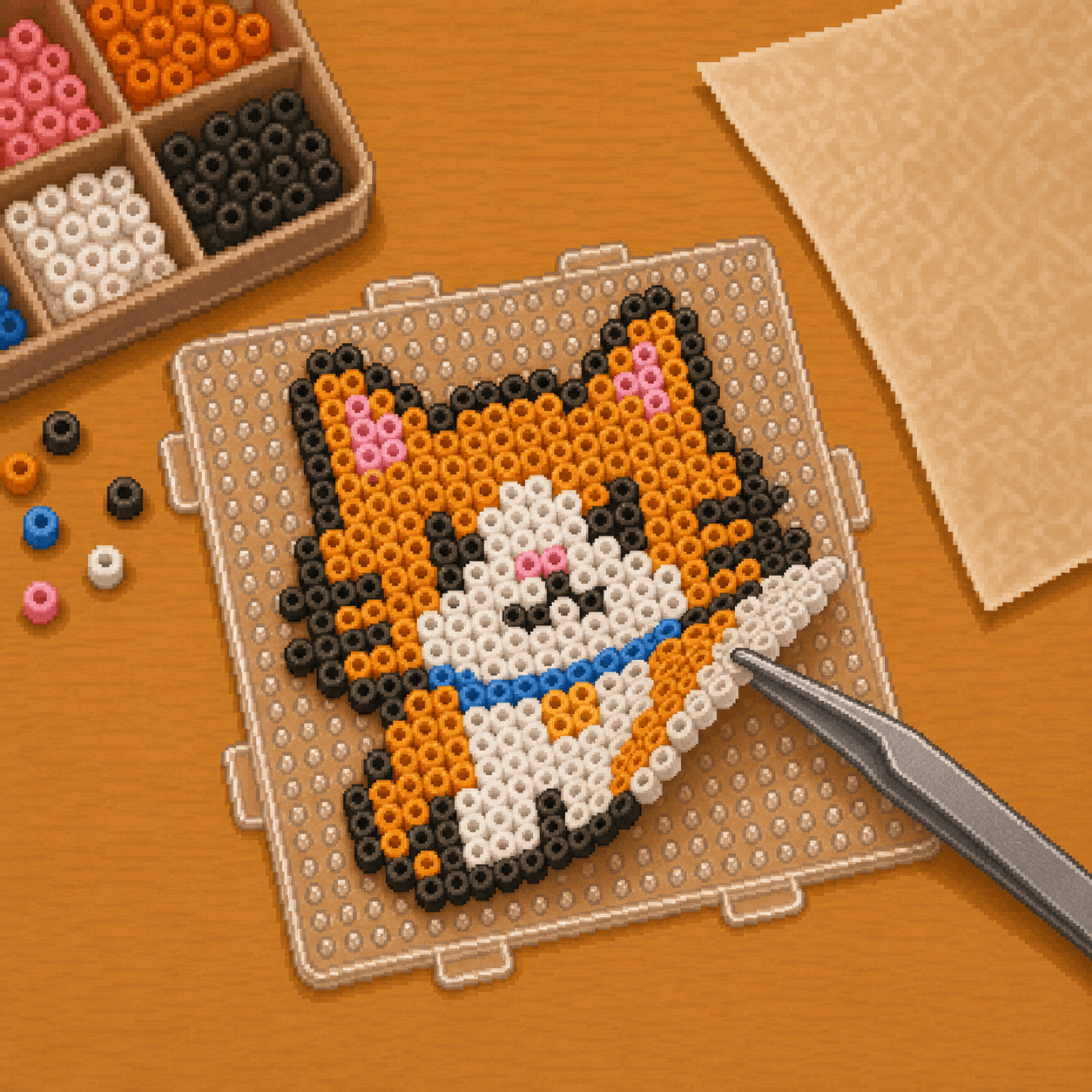
Once cool enough to handle, gently lift the design from the pegboard. If beads separate, cover the design again and fuse those areas a little more.
Step 5
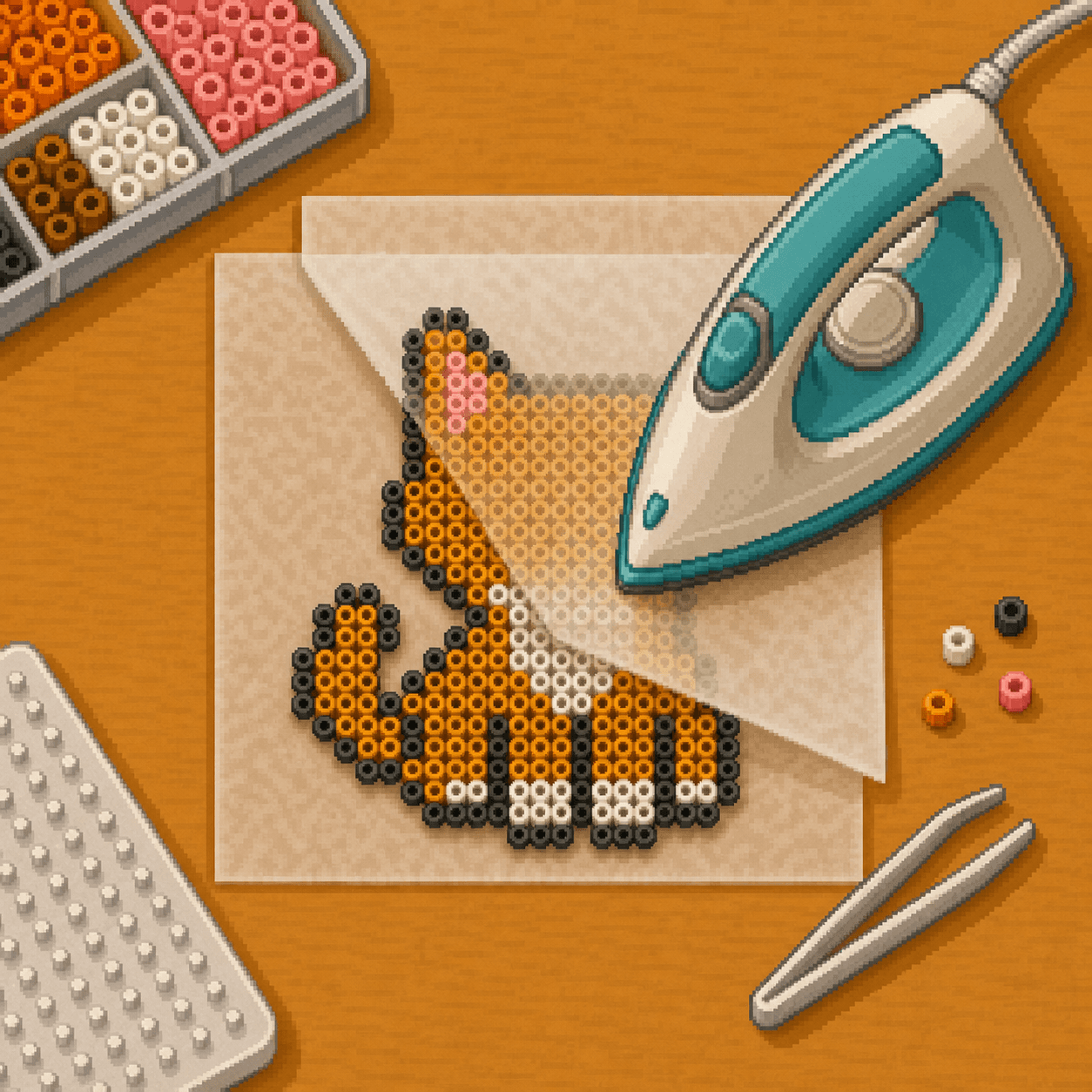
For stronger pieces, flip the design, cover it with parchment, and lightly fuse the second side. This is helpful for keychains, magnets, ornaments, or projects that will be handled often.
Final Step
Let the design cool completely before display, storage, or handling.
Step 1
Look for loose beads or weak edges. If needed, cover those areas with parchment and lightly fuse them again.
Step 2
Cool the project under a flat book or board to reduce curling.
Step 3
Use magnets, keychain hardware, stands, hooks, or adhesive only after the piece is fully cool.
Step 4
Keep finished pieces away from high heat so the plastic does not soften or bend.
Tip
If the pegboard starts to bend, the iron is too hot or staying in one spot too long. Lower the heat, keep the iron moving, and check the design more often.
Beginner Help
Most beginner fuse bead problems happen during setup or ironing. Watch for these common issues before they ruin the project.
Go slowly, check your pattern often, and fuse in short passes. It is easier to add more heat than to fix an overheated design.
Materials
These basics are enough for most beginner fuse bead projects: assorted 5mm fuse beads, a reusable pegboard, parchment paper or ironing paper, and tweezers for precise placement.
Choose a beginner-friendly 8bit Crafts pattern, sort your colors, and build the design one bead at a time. Start small, follow the chart, and use this guide when you are ready to fuse and finish your project.
Browse Fuse Bead Patterns